Home
Cognex
Accessories
AS200
Page 4
Cognex AS200 - Page 4
32 pages
Manual
Save Page as PDF
To Next Page
To Next Page
To Previous Page
To Previous Page
Loading...
Sa
f
e
t
y
a
n
d
Regula
t
ory
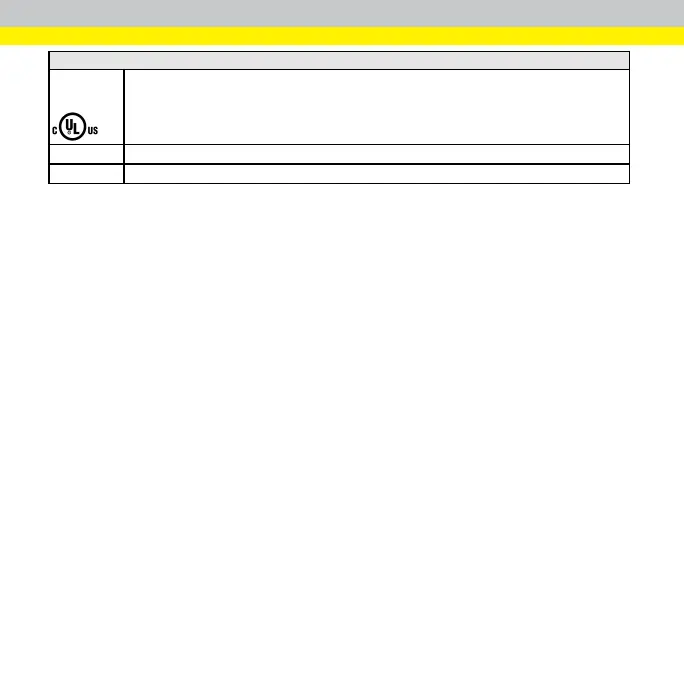
UL
an
d
C
UL
NR
TL
St
a
te
m
en
t
UL
60
95
0
-
1
,
2n
d
Ed
ition
,
20
1
4-1
0-14
CAN/CSA
C
2
2.
2
N
o
.
60
9
50
-
1-0
7,
2
nd
Ed
i
tio
n,
20
1
4-10
CB
UL
IE
C
/E
N
6
09
50
-
1
.
C
B
r
e
po
r
t
ava
il
a
ble
up
o
n
r
e
qu
est
.
EU
R
o
H
S
Comp
l
ian
t
to
the
lat
est
ap
p
l
icab
l
e
Di
rect
i
ve
.
4
3
5
Table of Contents
Main Page
Getting Started
2
China Rohs
5
For European Community Users
6
Robot Safety Precautions
8
Set up Your Alignment Sensor
9
Connect the Ethernet Cable
11
Connect the Breakout Cable
11
Install Alignment Sensor Software
12
Supported Operating Systems
12
Supported Cameras
12
Supported Communication Protocols
12
Network Layout
13
Alignment Sensor Command Overview
14
Plc/Robot Commands
14
AS200 Alignment Sensor User Interface
16
Run Mode (Home)
17
Setup Mode (Sensor)
20
Setup Mode (Recipe)
22
Set up Sensor
24
Discover Cameras
24
Configure a Sensor
25
Set up a Recipe
26
Create a Recipe
26
Set up Image
27
Adjust Brightness
27
Adjust Region
28
Adjust Focus
28
Train Feature
29
Related product manuals
Cognex 3D-A5000 Series
19 pages
Cognex In-Sight 3D-L4100
39 pages
Cognex Checker 4G Series
28 pages
Cognex Checker 3G Series
25 pages
Cognex In-Sight 2000
34 pages
Cognex In-Sight 2000 Series
91 pages
Cognex In-Sight 1720 Series
56 pages
Cognex In-Sight 3D-L4000 Series
16 pages
Cognex DataMan 80 Series
54 pages
Cognex DS1000 Series
52 pages
In-Sight 2000 Mini PoE Series
57 pages
Cognex In-Sight 1000
46 pages



 To Next Page