Installation
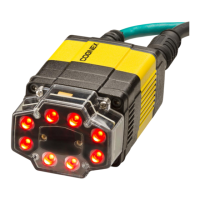
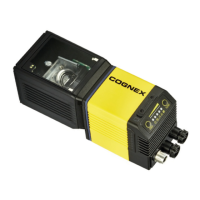
Installation procedures and specifications are presented in detail in the DataMan 300
Reference Manual, which is installed with the DataMan Setup Tool. From the
Windows Start menu, select the following to access the manual: All Programs >
Cognex > DataMan Software vx.x.x > Documentation.
Note:
l Cables are sold separately.
l If a standard component is missing or damaged, immediately contact
your Cognex Authorized Service Provider (ASP) or Cognex
Technical Support.
CAUTION: All cable connectors are "keyed" to fit the connectors on the
DataMan system; do not force the connectors or damage may occur.
13



 To Next Page