Install Software and Documentation and
Connect the Reader
Follow the steps below to connect your reader to power and network:
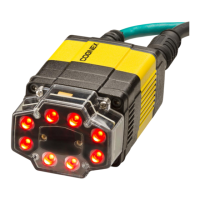
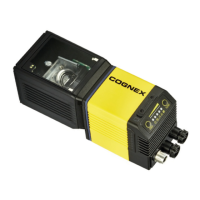
1. Connect the I/O+RS232+24V cable to your reader.
2. For a network connection, connect your reader through an Ethernet cable
to your network.
3. Connect the cable to a 24V power supply.
To configure a DataMan 300 reader, the DataMan Setup Tool software must be
installed on a networked PC. The DataMan Setup Tool is available from the
DataMan support site: http://www.cognex.com/support/dataman.
1. After installing the software, connect the DataMan 300 series reader to your
PC.
2. Launch the DataMan Setup Tool and click Refresh.
3. Select your DataMan 300 series reader from the list and click Connect.
17



 To Next Page