In-Sight Strobe Light Adapter Installation & Reference
8
• Trigger via the Discrete I/O
Connect your trigger circuit to IN+ and IN- terminals on the In-Sight processor (Discrete
I/O Lines 8 and 9 are on the processor) using the terminal block. Remember to set the
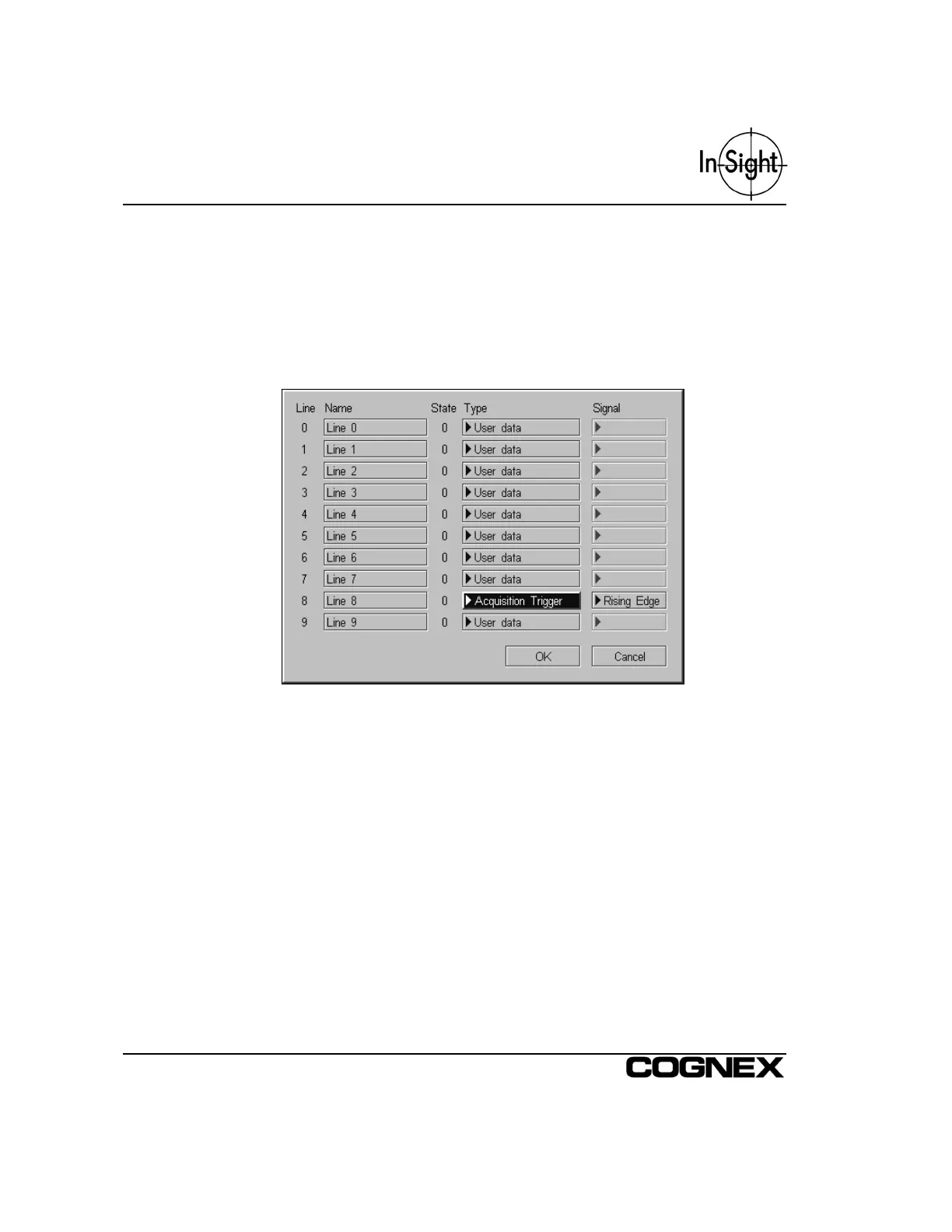
Discrete Input Type to Acquisition Trigger from the Discrete Input dialog (Figure 2-7).
Also, set the Trigger Parameter within the AcquireImage function’s property sheet to
External (Figure 2-8).
Figure 2-7: Discrete Input Dialog



 To Next Page