PROGRAMMING THE SETTINGS
During a filter cycle:
- Pump runs at low speed for the programmed number of hours (see below), and
Use your arrow keys to
select your Filter Duration in
hours. You can select from
0 to 6 hours.
F 06
p
45 Minute lter cycle time-out:
If you turn a pump or light on during a lter cycle, the cycle will be interrupted and will only resume 45 minutes after
you (or the system) have turned the last active output off.
Use your arrow keys to
select your Salt water
sanitizer Cycle Duration.
You can select from 1 to
24 hours per day. (longer
duration equals more
sanitizer in the water).
PLEASE NOTE:
You can move backwards through the settings by pressing the standby button. The Pump button will allow you to exit
without saving any changes. When you get to the end of the options, press the lter key one last time to save changes
and begin a lter cycle immediately. If you do not press the lter key again your changes will be saved and the lter
cycle will begin when you have programmed it to do so.
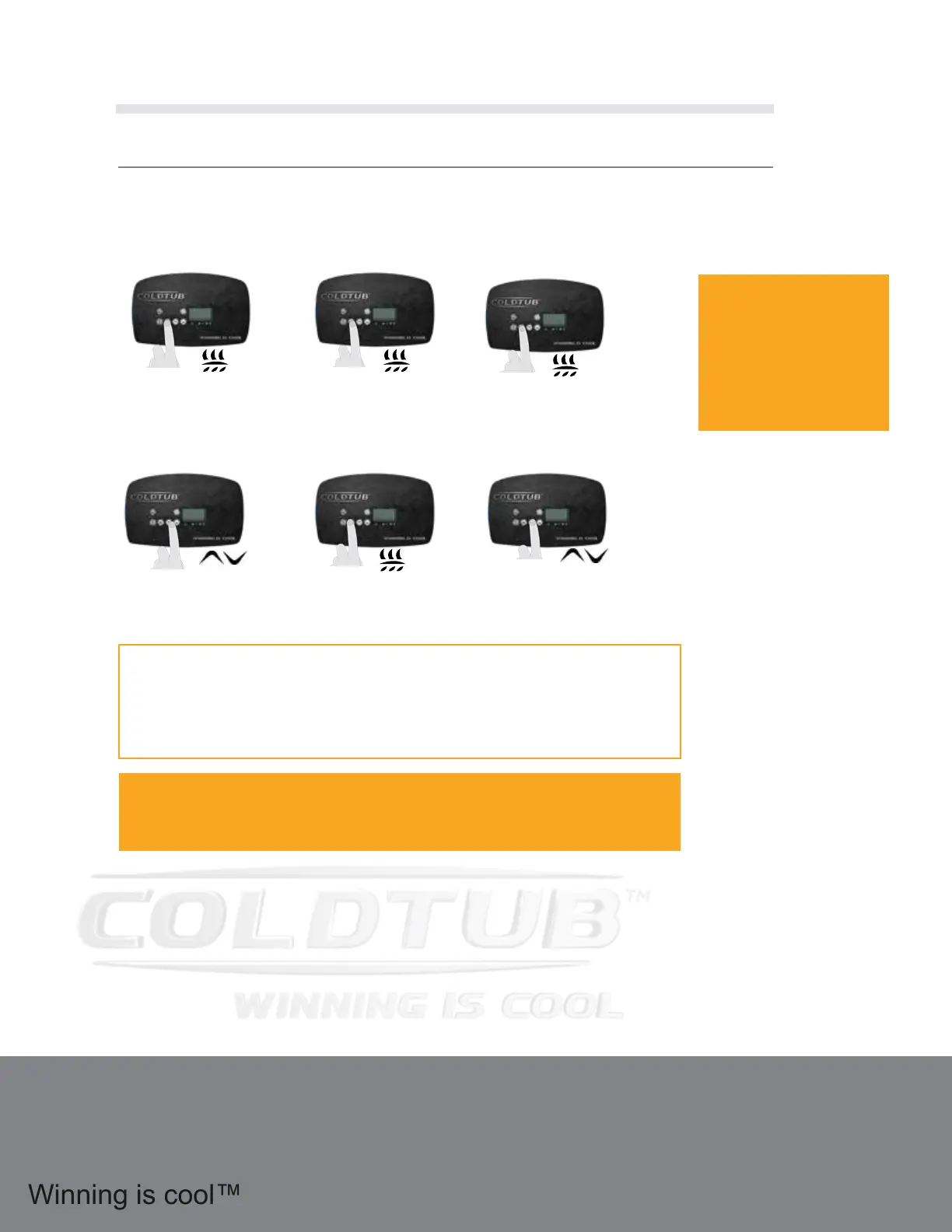
Press the Settings button to enter
into your ltration options. Your
display will show “Sett” and from
here you will be able to choose
your settings.
Sett
Press your Settings button again.
The letters “On” will display
followed by a number. This
sets how long your Salt Water
Sanitizer System will run within
a 24 hour period.
On 02
Press your Settings button
again. Your display will
now show the settings for
your Filter Cycle Frequency.
FF 02
Press your Settings button
again. Your display will
now show the settings for
your Filter Duration.
F 06
p
Use your arrow keys to
select your Filter Cycle
Frequency from 1 to 4 times
per day.
FF 02
1.16 Quick Reference Guide
(Continued)
20



 To Next Page