HANGZHOU LIFESMART TECHNOLOGY CO.,LTD. www.cololight.com
2.4
MODE SWITCH
COLO PLAY has two interactive modes. The [basic mode] is set as the factory
default mode, while the [Super Saiyan mode] is a new mode with a unique interactive
logic.
Super Saiyan mode is a new mode that integrates Wallpaper, Keypad, and PC
Switch. Through new interactive logic, it reduces page switching and concentrates
more operations on one page to provide users with maximum personalized experience.
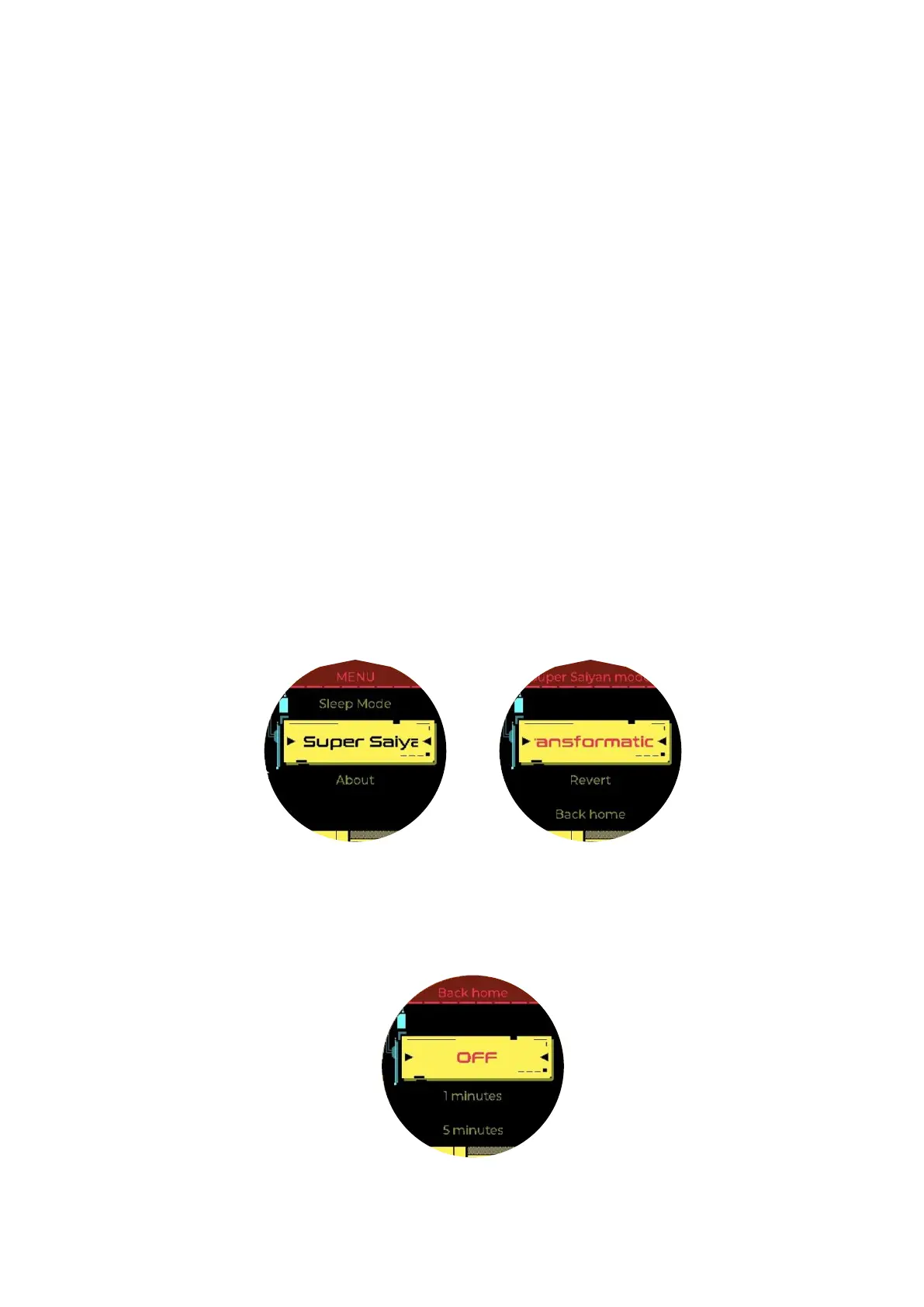
Transformation Steps:
① Super Saiyan mode is only available for COLO PLAY 1.9 and above.
② [Setting >> Super Saiyan mode>> transformation] to transform to
Super Saiyan mode.
③ [Setting >> Super Saiyan mode >> revert] to revert to basic mode.
④ [Setting >> Super Saiyan mode >> back home] you can return to the
Super Saiyan home page after n minutes of no operations on other
application pages.



 To Next Page