HANGZHOU LIFESMART TECHNOLOGY CO.,LTD. www.cololight.com
3.5
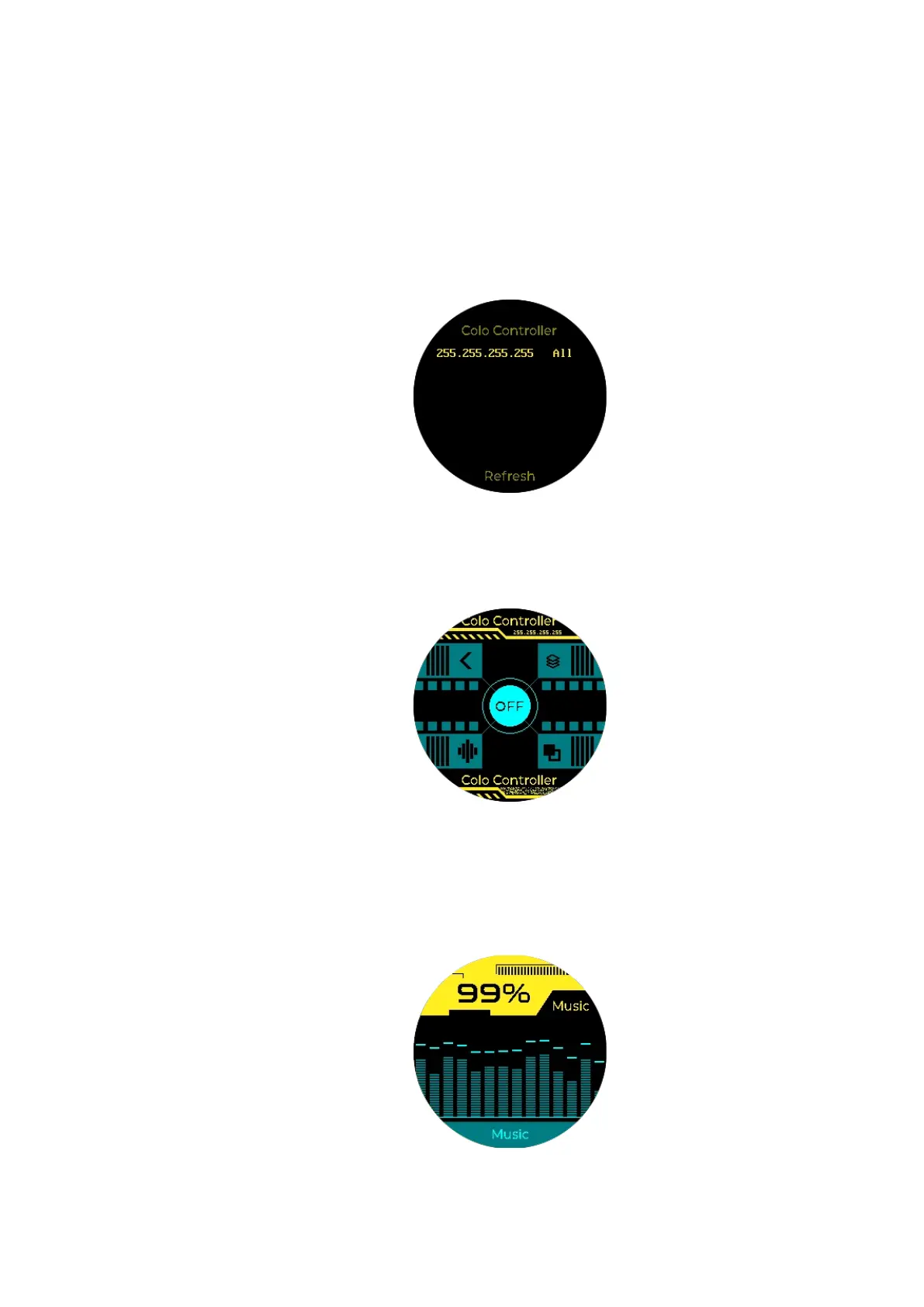
COLO CONTROLLER
① The device will automatically search for all Cololight devices under the
current Wi-Fi.
② [Long press knob] Select one or all Cololights to control. “255.255.255.255”is
used to select all quantum light devices within this local network.
③ [Short press upper right] to change dynamic lighting effects, [Short press
bottom right] to change monochrome lighting effects
④ [Long press bottom left] to enter device listening mode, COLO PLAY acts as
the microphone of Cololight to collect sound, and Cololight follows the rhythm
of the music received by COLO PLAY. [Short press upper left]to exit.
⑤ [Long press upper left] to return from any interface.



 To Next Page