HANGZHOU LIFESMART TECHNOLOGY CO.,LTD. www.cololight.com
3.4
CLOCKS
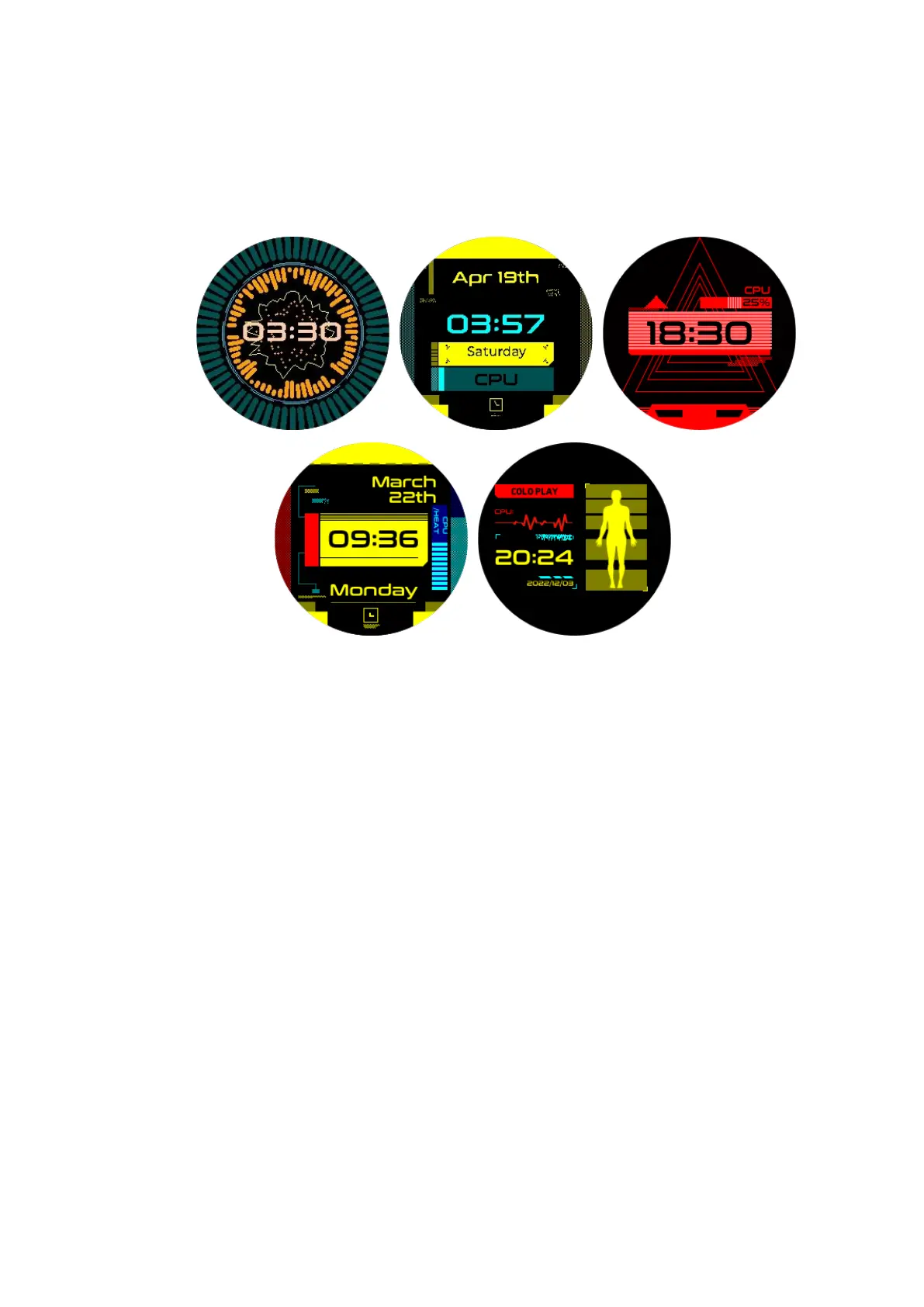
The device has 5 built-in clocks, which can be switched by pressing the knob in
the Clocks.
① [Short press knob] Switch the clock
② [Settings >> Time >> 24-Hour Format] you can switch between 12-hour
and 24-hour time display.
③ [Settings >> Time >> DST adjustment] you can switch between daylight
saving time and standard time.
[Settings >> Time >> refresh] Additionally, if the device loses its
connection, the time may display as 8:00. Once the device reconnects to the
Internet, simply click the refresh button to update the time.
④ [Long press upper left] to return from any interface.



 To Next Page