HANGZHOU LIFESMART TECHNOLOGY CO.,LTD. www.cololight.com
3.7
PC CLIENT CONFIGURATION
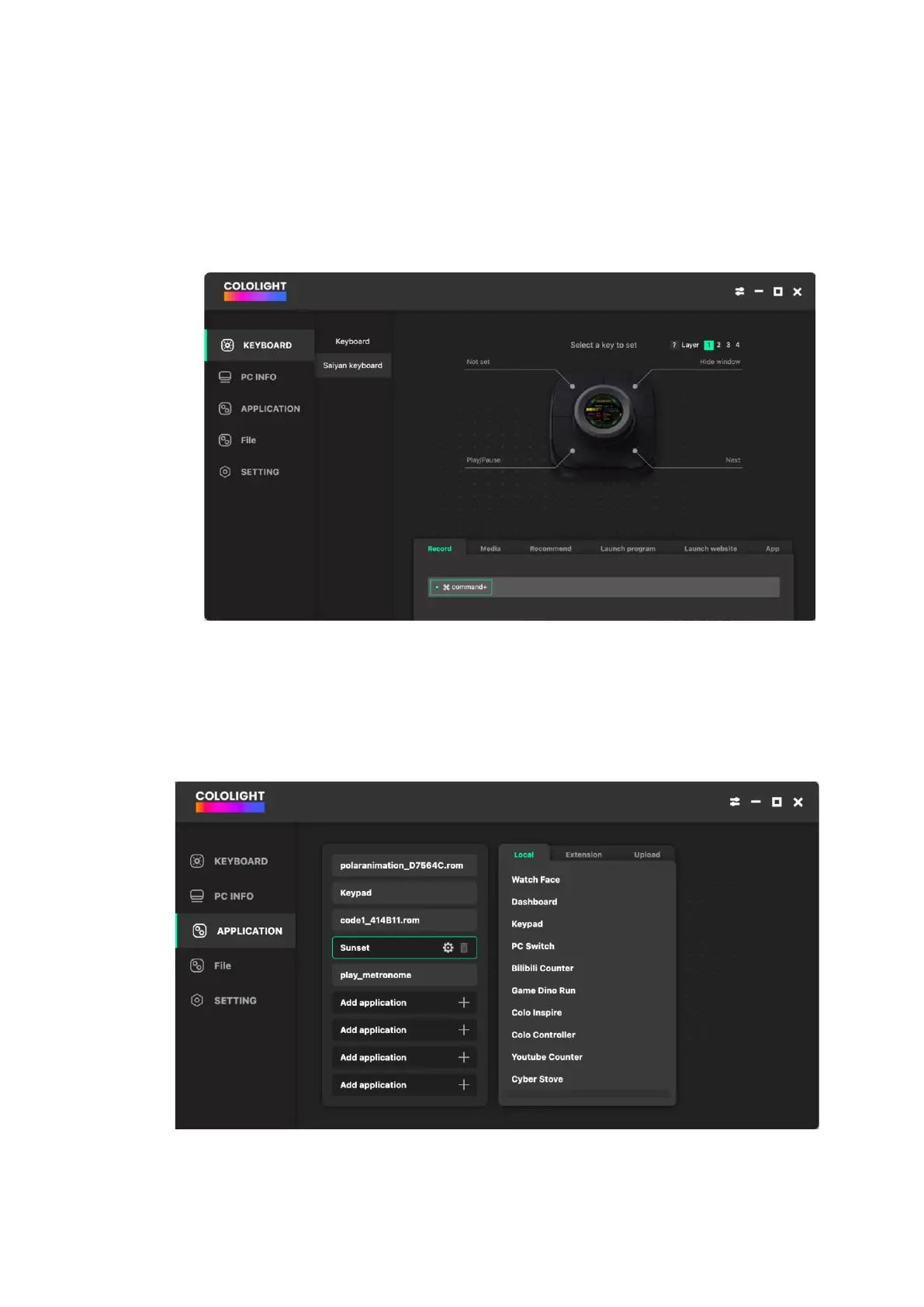
① [COLO PLAY Desktop >>KEYBOARD>> Saiyan Keyboard] Shortcut keys
setting include key recording, media keys, recommended shortcuts, program
launch, web page launch, and local application editing functions.
② Application operation
Select the third option on the left menu bar, here you can see all your
applications on COLO PLAY. In addition, you can synchronize all operations to
your COLO PLAY, such as download and delete, etc.



 To Next Page