HANGZHOU LIFESMART TECHNOLOGY CO.,LTD. www.cololight.com
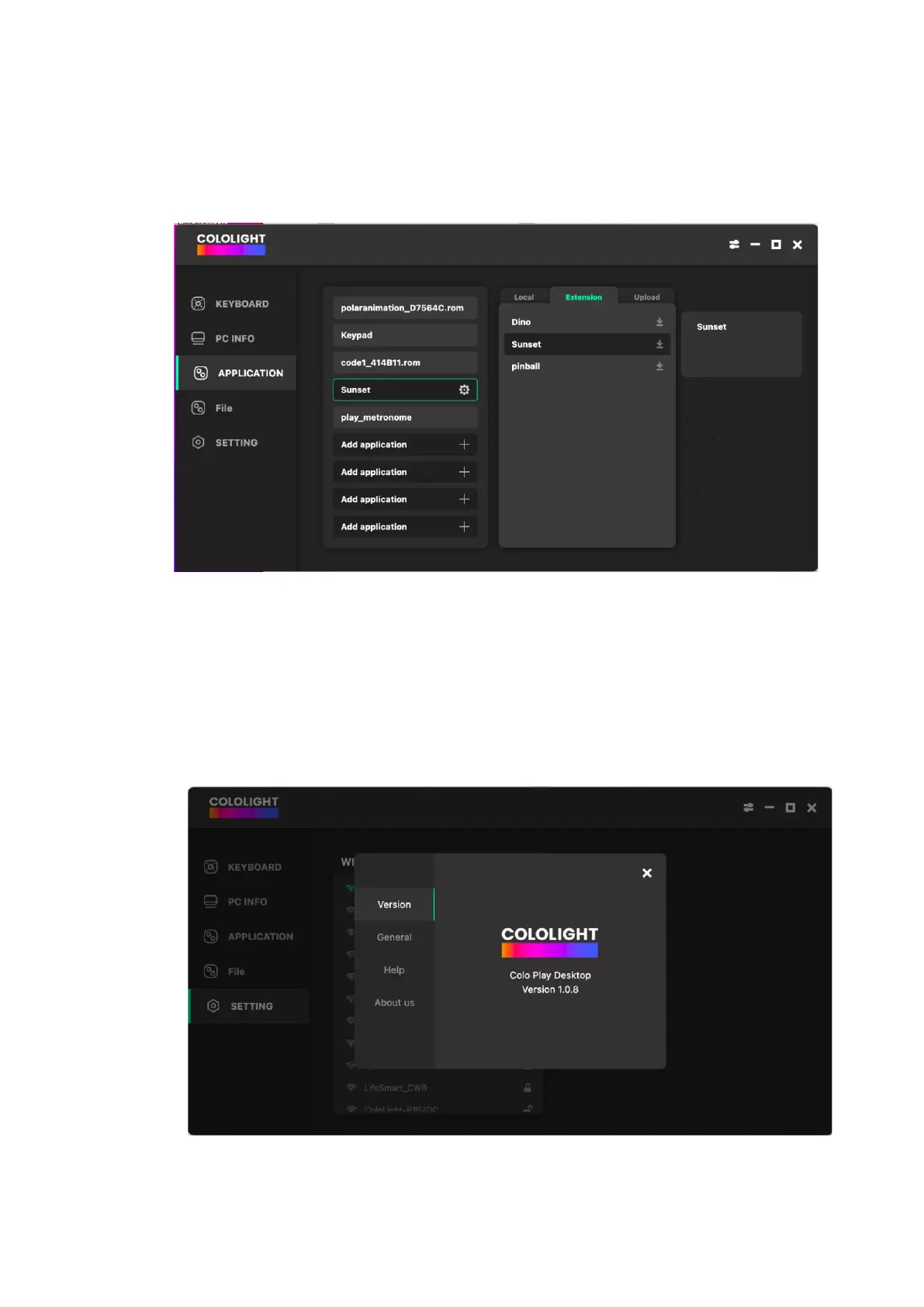
③ Application download
The category of extension shows the latest applications that can be selected
for download.
④ Settings
Click the first icon in the upper right corner to enter the settings. Select
[Version] you can view the current software version and update the version.
Select [General] you can set the language, and set the COLO PLAY PC client
to start automatically at startup. Select [Help] You can view FAQs. Select
[About us] Click to get more information about Cololight.



 To Next Page