HANGZHOU LIFESMART TECHNOLOGY CO.,LTD. www.cololight.com
3.
MAIN APPLICATIONS
3.1
KEYPAD
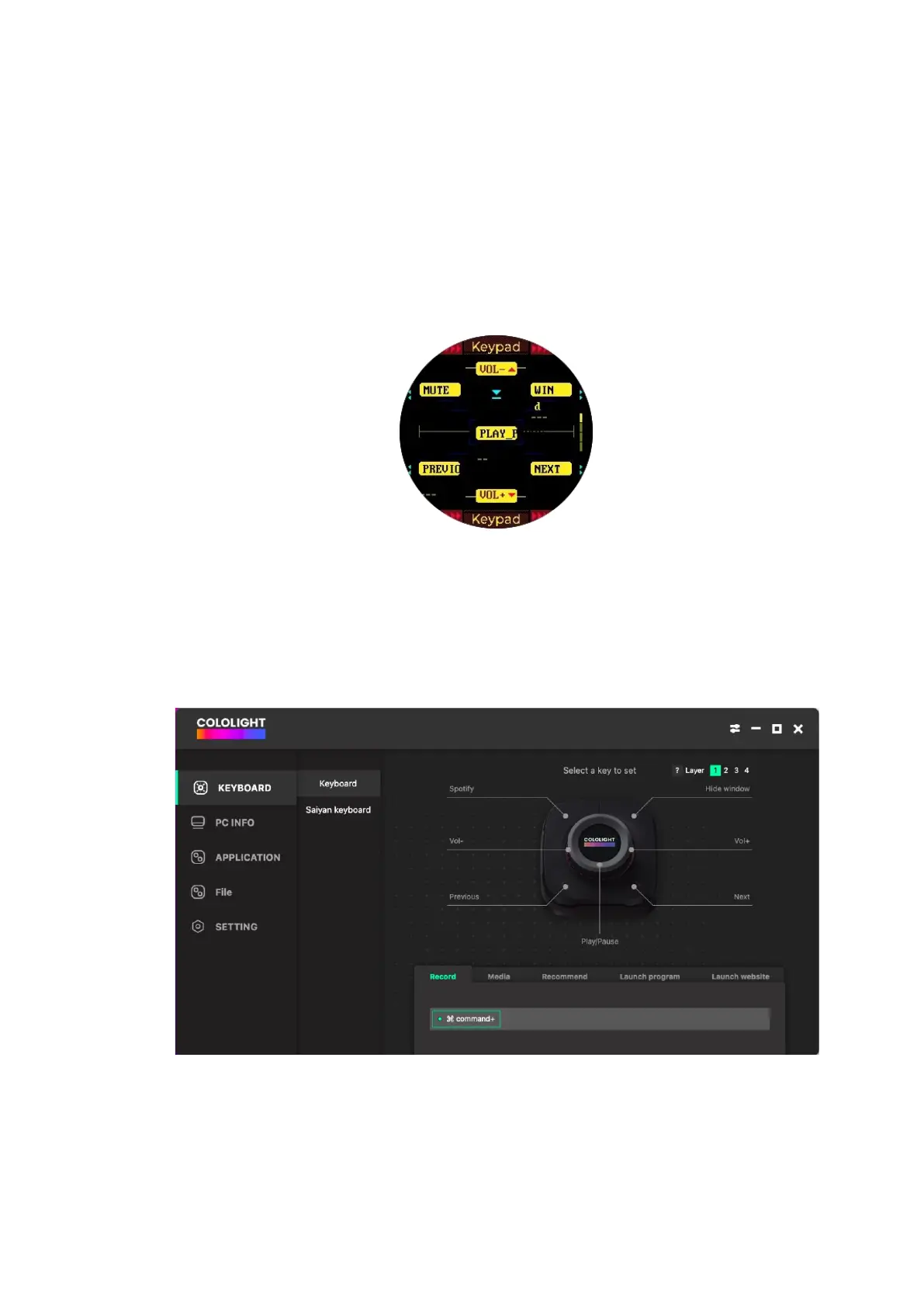
① Three commonly used keyboard templates are provided, including media
operations, document editing, and video editing.
② There are four layers of keypad that can be set, which can be switched by
[pressing and holding, and rotating the knob].
③ [COLO PLAY Desktop >>KEYBOARD>> Keyboard] Shortcut keys setting
include key recording, media keys, recommended shortcuts, program launch,
web page launch



 To Next Page