HANGZHOU LIFESMART TECHNOLOGY CO.,LTD. www.cololight.com
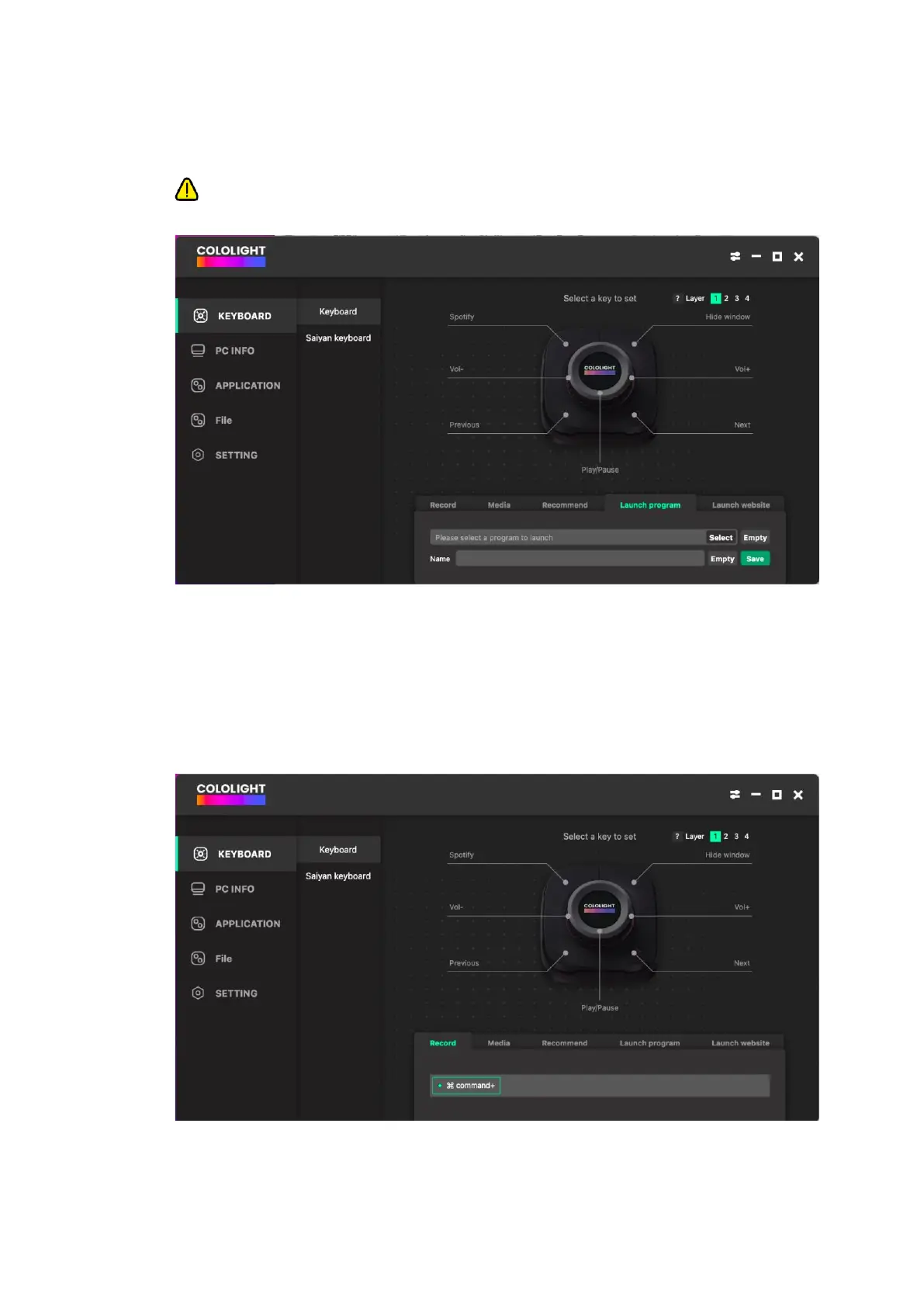
④ Select the key you want to configure, and then choose the key operation you
wish to perform.
⑤ Launch program and launch website are only available when COLO PLAY
Desktop is running.
⑥ Key recording: On MacOS, the [Command] is selected by default, meaning if
you input 'A,' it will actually appear as 'Command A.' To deselect it, simply
uncheck the [Command]. On Windows systems, the [Win] is not selected by
default. If you want to input Windows key combinations, check the [Win]. For
example, to get 'Win A,' after checking the [Win], simply input 'A.'



 To Next Page