HANGZHOU LIFESMART TECHNOLOGY CO.,LTD. www.cololight.com
3.2
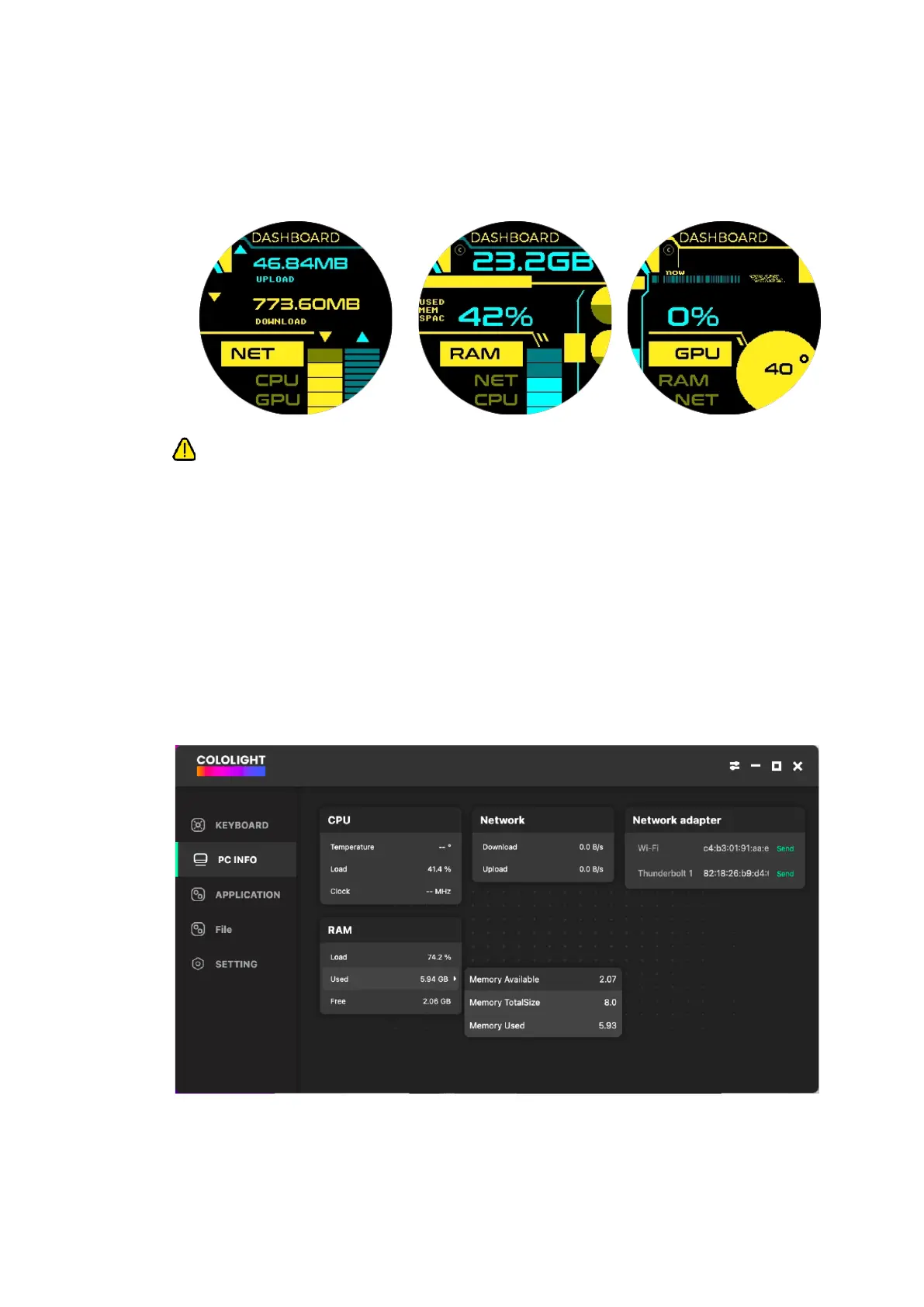
DASHBOARD
① [Short press knob] to switch display PC dashboard
② This feature requires COLO PLAY Desktop to be downloaded and kept
running in the background.
③ In the PC client configuration, you can view and modify PC data by going to
[COLO PLAY Desktop >> PC INFO].
④ Click one of the multiple data, and all data are displayed on the right. When
you select one, you can replace it.
⑤ PC information is related to the computer's configuration, and the data
available may vary depending on different computer configurations. For
example, MacOS does not support GPU and CPU temperature monitoring.
⑥ [Long press upper left] to return from any interface.



 To Next Page