www.colorlightinside.com
13
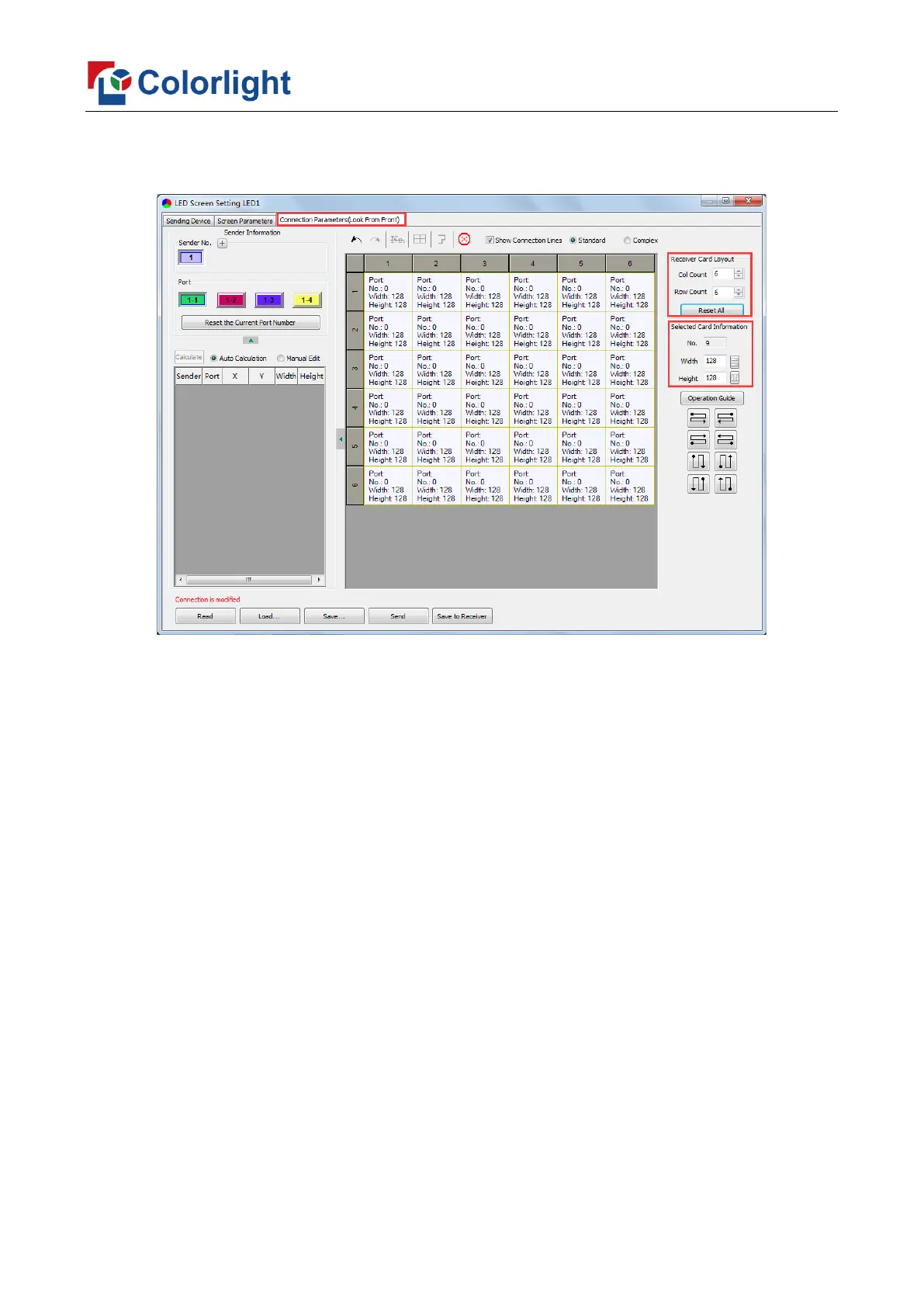
Count (6*6 as an example) according to the actual loading of LED display, you will see LED
display mapping area from the right side (Viewing from the front of LED display).
② Receiving Card Parameters Setting
Select the target sender and the net port from the left side, then select the
corresponding cabinets within net port actual control area and set the connection lines in
the mapping area.



 To Next Page