www.colorlightinside.com
6
5. Parameter Configuration
Please make sure the correctness of the hardware connection before setting, use
LEDVISION to detect sender and all receiving cards.
5.1 Detect Sender and Receiving Card
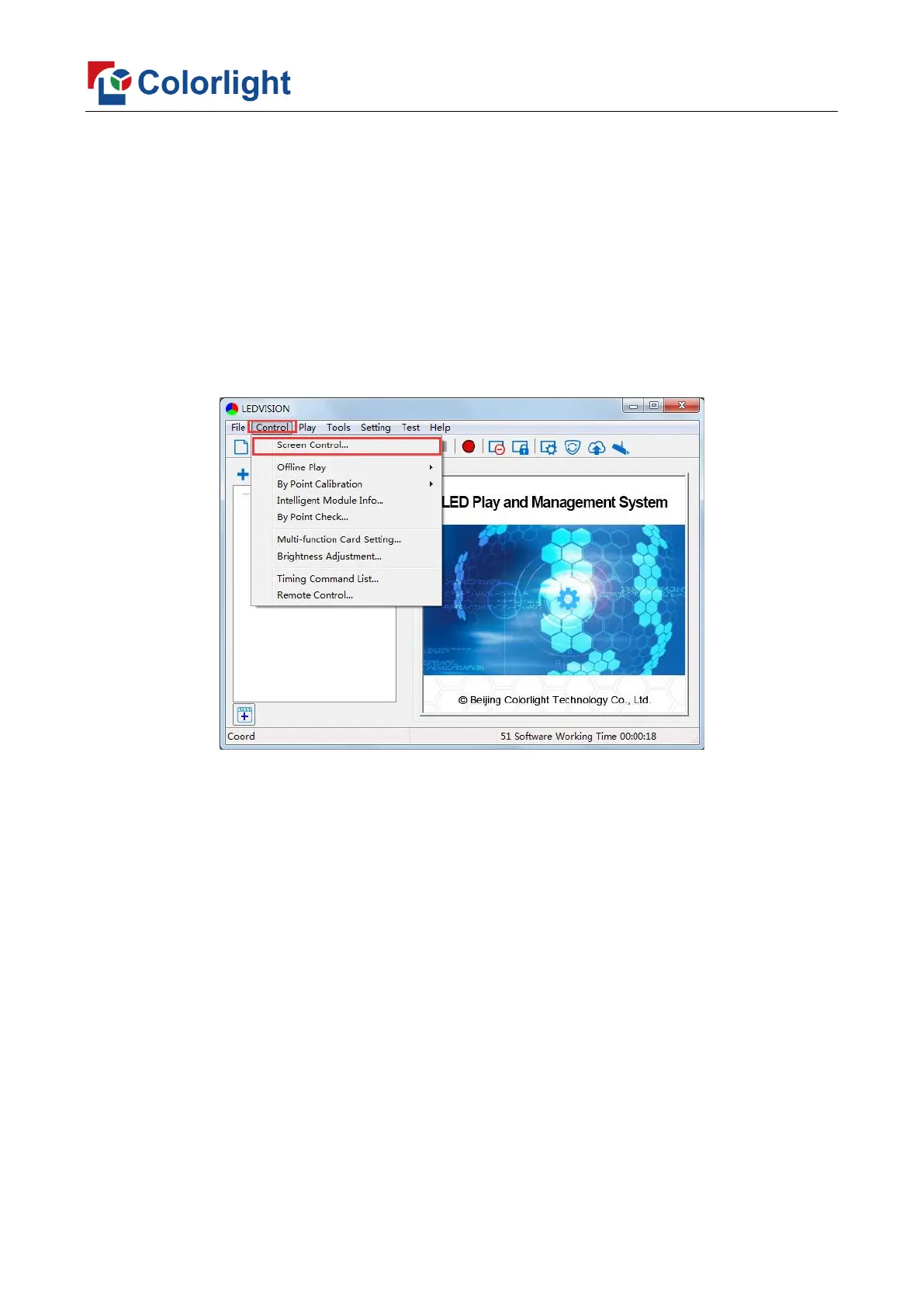
1. Run LEDVISION, click [Control] – [Screen Control] to enter the Screen Control
window.
2. [Select Sending Device] for [Sender], click [Detect Senders] in [Sender Settings].
Please check the hardware connection or the installation of relevant driver if cannot detect
senders.
Select network port and click [Detect Receiver Cards] respectively, the software will
automatically acquire the receiver card quantity of each network port of the sender. Please
check corresponding cable if the numbers of receiver card are inconsistent with actual
status.



 To Next Page