www.colorlightinside.com
12
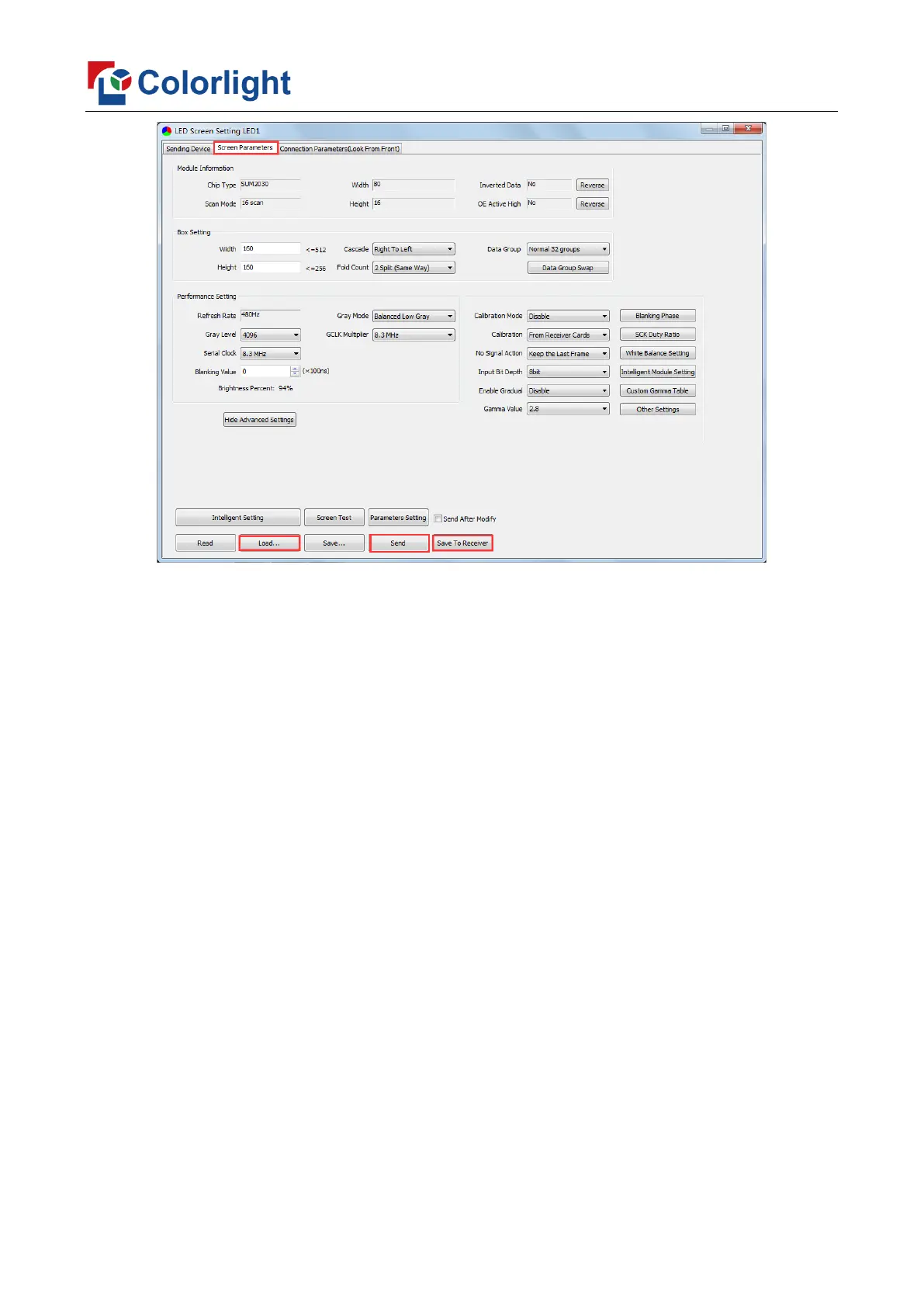
Click [Load], choose the correct parameter file.
Click [Send], to send the loading parameters to the receiving cards. At the moment,
each cabinet should display normally (it is normal circumstance even the picture between
cabinets is not continuous), then click [Save to Receiver] to save the parameters to the
receiving cards.
If each cabinet cannot display normally, you can conduct via the Basic Setting
(Module Information, Box Setting, Performance Setting) or Intelligent Setting, and you
can also contact with the LED screen engineers.
5.2.3 Connection Parameters Setting
Users don’t need to set up the control area of each net port respectively, but to the
connection relationship between the receiving cards under the network port loading via
each sender, and the software will auto calculate and set up the port control area according
to the connection relationship.
Detailed setting steps as follows:
① Set up the quantity of receiving card
Set how many receiver (receiving card) that one port manages in Row Count and Col



 To Next Page