Colortrac Scanner Operator Manual.
6
3 INSTALLATION
3.1 Unpacking and Installation
Please refer to the sheet included in the packaging of your scanner headed:
HOW TO INSTALL YOUR SCANNER
3.2 Scanner Cabling and Set-up
Before connecting the scanner to the power supply, please ensure that the local supply is
within the voltage and frequency range specified on the voltage rating plate on the back of
the scanner. The scanner automatically senses the local power supply and requires no
operator setting.
The scanner may be connected to the host computer via the Ultra-Wide SCSI connector or
the IEEE1394 FireWire connector. Colortrac Ltd recommends the use of the FireWire
connector if you are running Windows 2000/XP on the host computer.
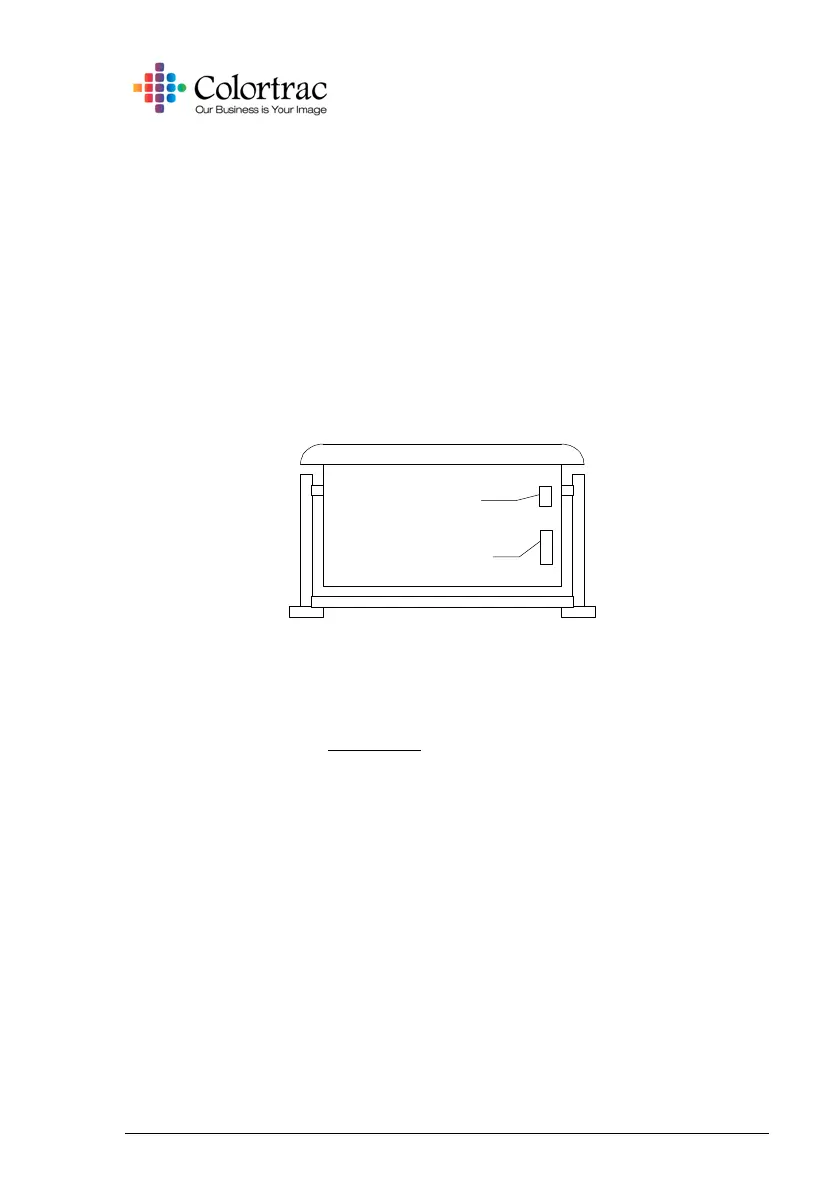
Rear of scanner
Power connector
and switch
SCSI connector and
Firewire connector













 To Next Page