SYMBOLS PRESENT ON THE COMMAND PANEL
SYMBOLS PRESENT ON THE CONTROL PANEL
Main switch symbol:
Used on the command panel to indicate in which direction to turn the key to activate or deactivate the machine's general switch.
i-drive selector symbol:
Indicates the command knob for the i-drive program selector.
Open book caution symbol:
Used in the control panel to tell the operator to read the manual before using the machine.
Machine movement direction symbol:
Used on the control panel to indicate the direction of the machine.
ECO-MODE symbol:
Used on the control panel to indicate the button that activates or deactivates the ECO-MODE of the machine.
Buzzer symbol:
Indicates the buzzer command button.
Detergent solution quantity regulation symbol:
Used on the control panel to indicate the button regarding the regulation of the detergent solution level within the machine's water circuit.
Front headlights control symbol:
Used on the control panel to indicate the button that regulates the machine's front headlights.
Regulation symbol denoting pressure applied to the brushes:
Used on the control panel to indicate the button that regulates the weight exerted by the brushes on the oor.
Detergent percentage regulation symbol (versions with on-board automatic detergent dosing system):
Used on the control panel to indicate the button regarding the regulation of the detergent percentage within the machine's water circuit.
Brush release symbol:
Used on the control panel to indicate the button for automatic uncoupling of the brushes.
Forward speed level regulator symbol:
Used on the control panel, to indicate the button that allows you to regulate the movement speed of the machine.
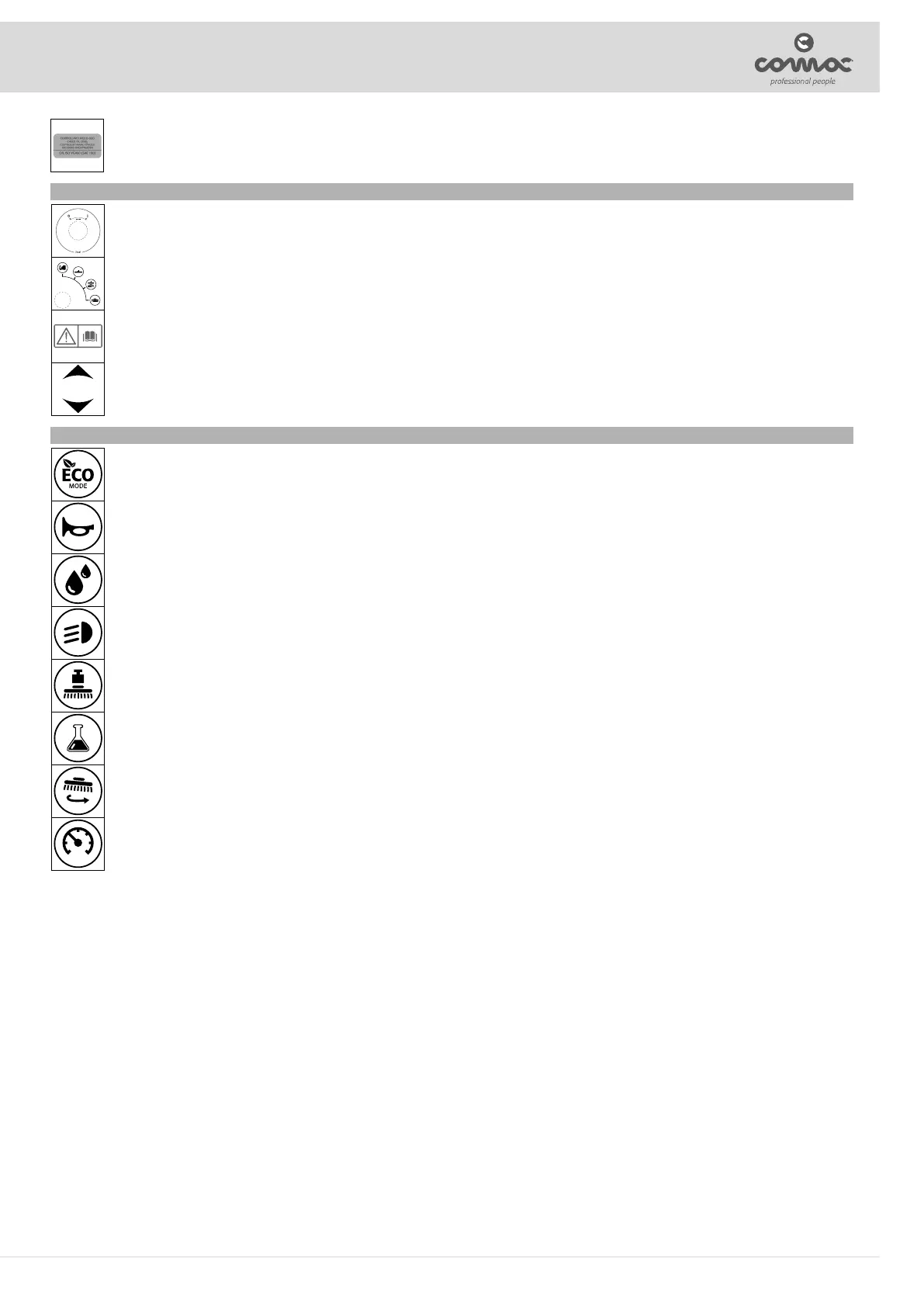
Braking system oil level check label:
Located near the braking system oil basin, to remind the operator to check the level of oil in the basin.
The bottom part of the label shows the recommended oil for the braking system.
11



 To Next Page