Overview
20 Comdial May ‘05
9. Move the handset close to the base. The system starts to regis-
ter with the base unit.
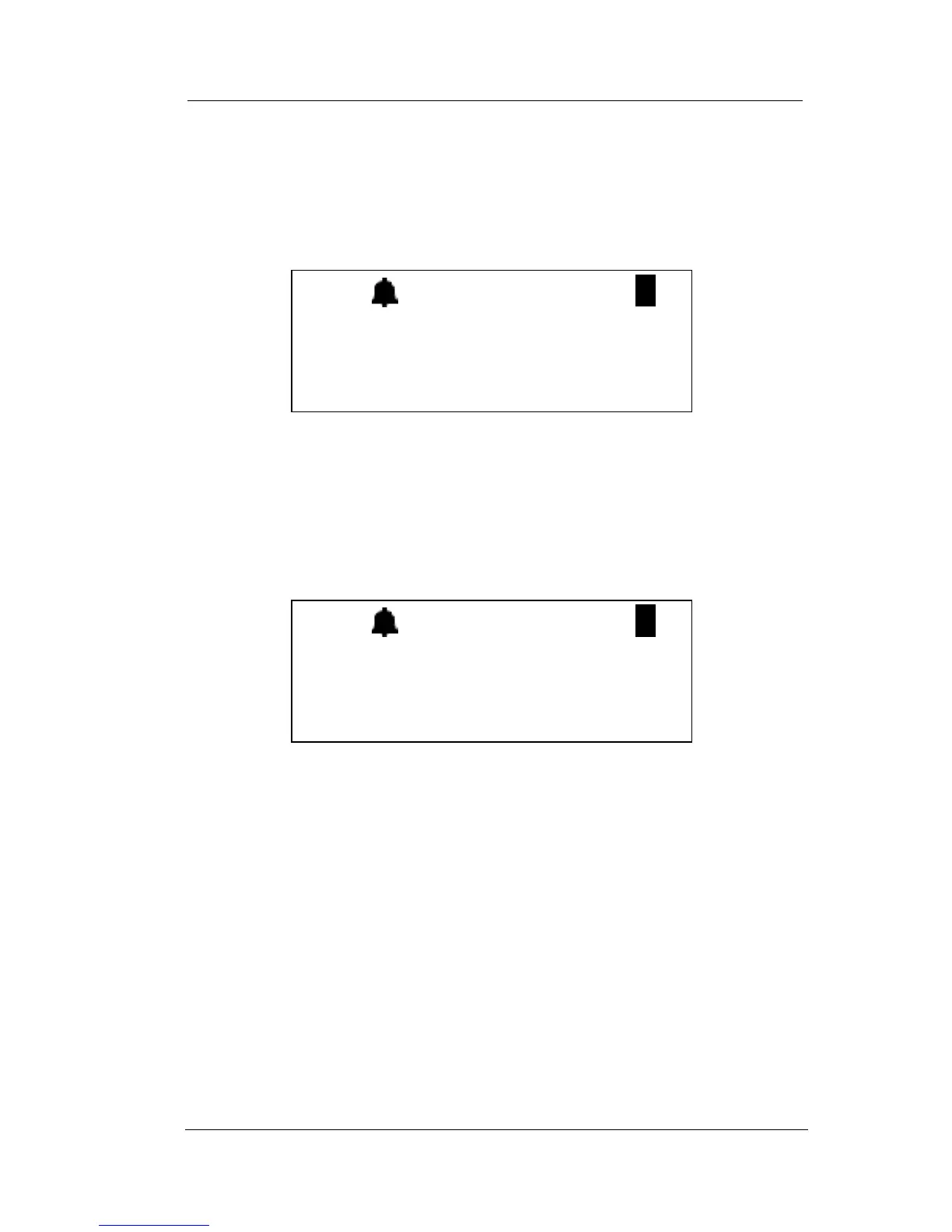
If the registration operation is successful, the LCD displays the
following.
Note: Up to two line cords can be used to connect two digital
station ports from the KSU to the two jacks on the base. If the
handset ID is #1 this means the handset is connected to Line
#1. If the handset ID is #2 this means the handset is connected
to line #2.
If the registration fails, the LCD displays the following.
(To try again, begin again at step 4.)
10.Next, change dip switch 1 to re-enter the normal mode.
Note:
• The LED on the base flashes normally when the unit enters
normal mode.
• If DIP switches are still set in the registration mode (switch 1
off, switches 2 and 3 on), the unit is not operational except for
registration during the first 30 seconds when re-powering on
the unit. After 30 seconds, the system goes back to normal
mode.
(( ))
>REGISTERING
HANDSET #1
(( ))
>FAILED!
TRY AGAIN!














 To Next Page