Programming Your Phone
40 Comdial May ‘05
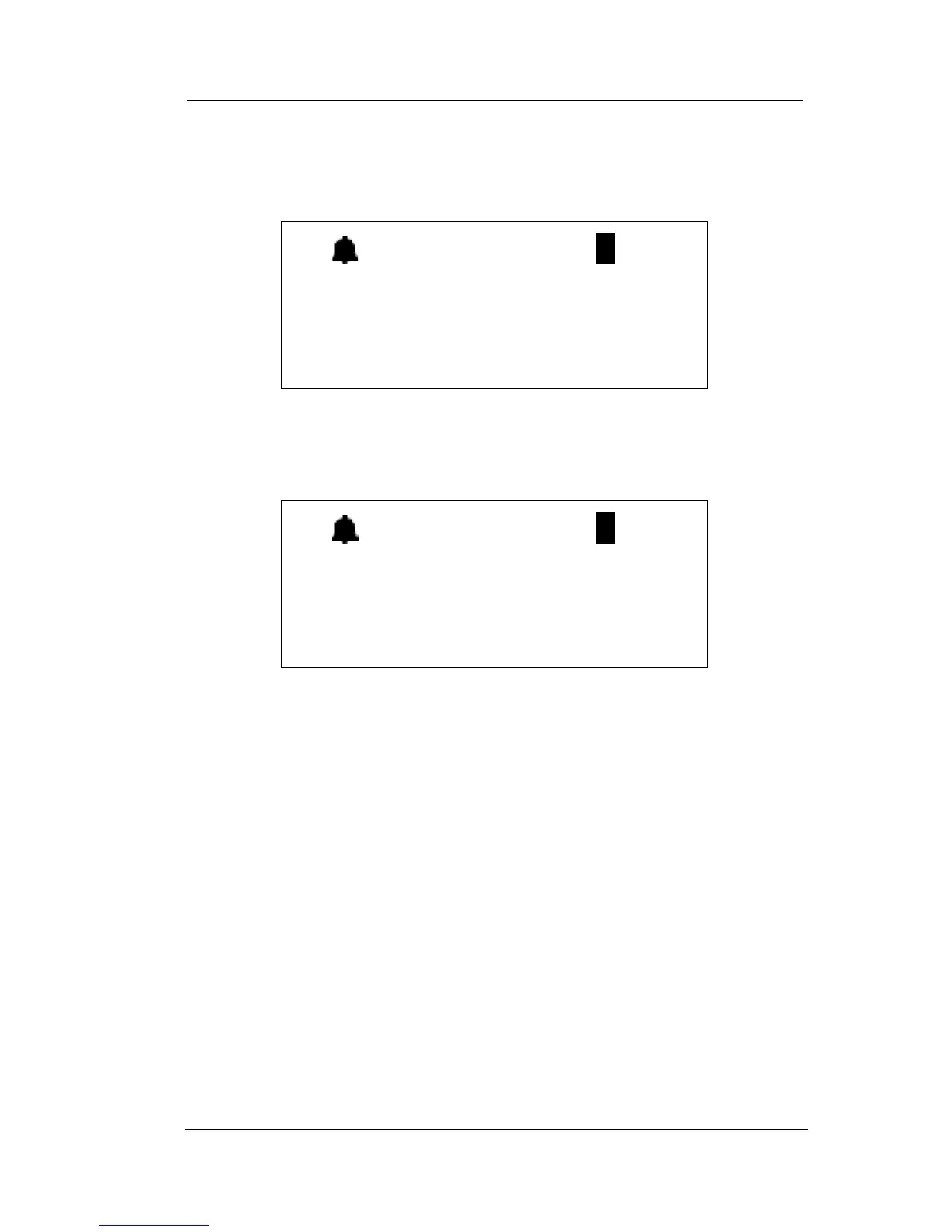
To cancel (deny) a Busy Ring, press Func + # + 2. The display shows
the following.
If you have Busy Ring turned off and want to turn it on again, press
Func + # + 2. The display shows the following.
2.2.5 SETTING YOUR CALL FORWARDING OPTIONS
The DX-80 provides many choices for forwarding your calls:
• All—Forward all of your calls,
• Busy—Forward your calls when your telephone is busy.
• Follow Me—Forward calls at your extension to the extension
where you are currently working (conference room, associate’s
office, etc.)
• Follow Preset—Invoke call forward at your extension so that it
can be changed from another extension.
• No Answer—Forward your calls for no answer conditions.
(( ))
BUSY RING DENY
(( ))
BUSY RING ALLOW














 To Next Page