Programming Your Phone
50 Comdial May ‘05
2.2.5.7 Deleting an Existing Call Forward
1. Press the middle soft key (under the FWD in the display).
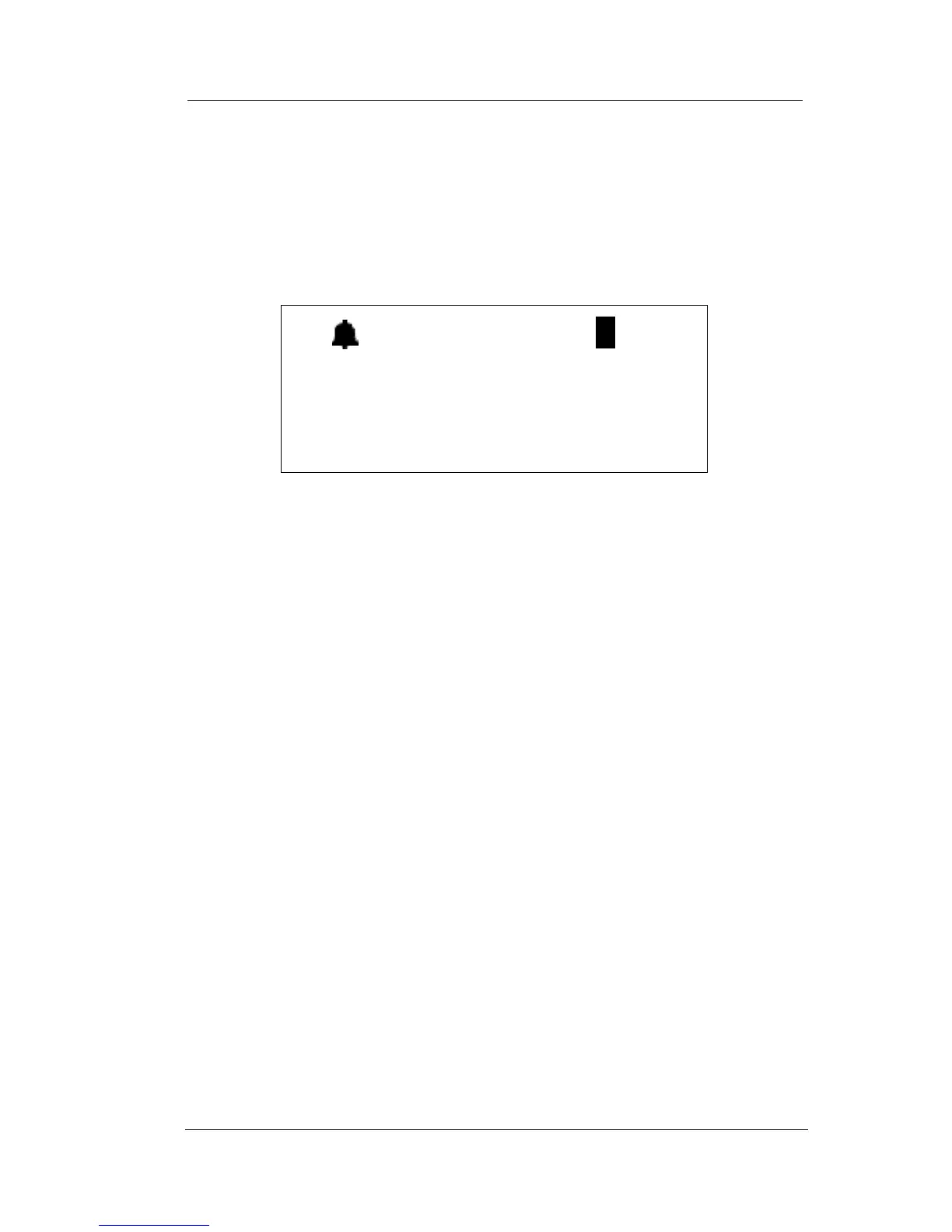
2. The first active mode of forward is displayed, for example as
follows.
3. If you want to delete this forward, press del. To view other
active call forwards, select more.
2.2.6 SETTING UP PERSONAL SPEED DIALS
Speed Dialing allows you to store frequently dialed numbers. There
are 20 speed dial locations (bins) for most extensions, and 200 system
speed bins that are shared by all extensions.
To program a speed dial number, perform the following steps.
1. Press Func + 1.
2. Enter the location of the bin where you want to store this num-
ber (470-489). These are the default locations for the personal
speed dial numbers.
3. Press show. The system displays the current contents of the
speed dail bin you specified.
4. Press chg.
5. Enter the telephone number you want to store, using Pauses
(Func + 7 + 0), Flash (Func + 3) and Pulse To Tone Conver-
sion (*) codes as necessary. If you are unsure whether you
need these codes, see your System Administrator.
6. Press save. The system then stores the phone number you just
entered in the location you specified.
(( ))
BUSY FWD 123
del more














 To Next Page