Programming Your Phone
64 Comdial May ‘05
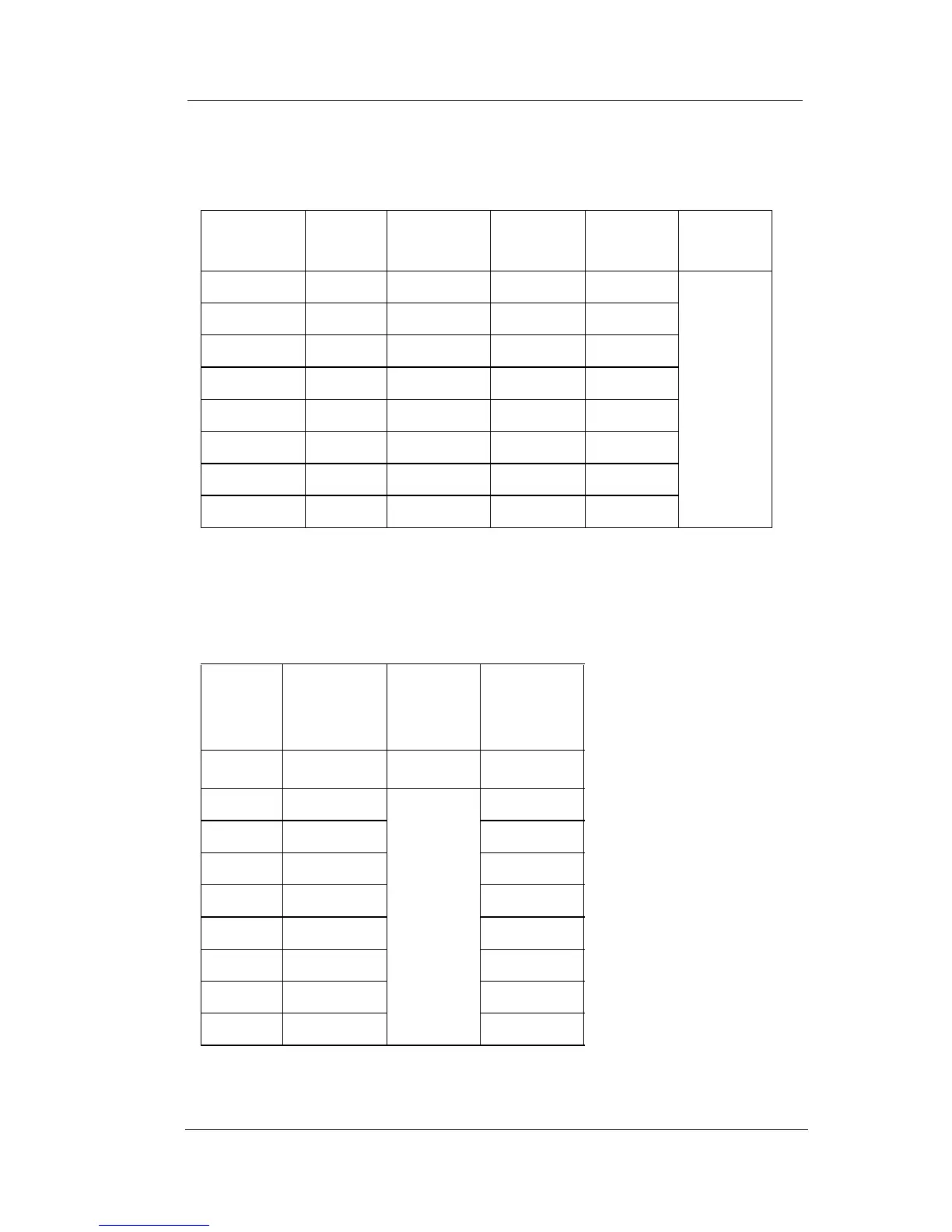
You can also use capital letters if you wish. Use the following table
when entering a capital letter.
So for example to enter “Mary”, enter the following keystrokes.
6#2*#777*#999*#
If you wish to use numerals, refer to the following table.
So for example to enter “1846”, enter the following keystrokes.
Number
Key
1
press
2
presses
3
presses
4
presses then
2AB C
press
#
3DE F
4GH I
5JKL
6MN O
7PQ RS
8TU V
9WX Y Z
First
Press
Then
Number
Key
then
To Get
*1 1
*2
press
#
2
*3 3
*4 4
*5 5
*6 6
*7 7
*8 8
*9 9














 To Next Page