10
Ending a call/conversation
Opening the door by entering the password code
INITIAL CONDITION
CALL
EFFECTED
Call eected.
Or:
COMMUNICATING...
Conversation in progress.
PROCEDURE DISPLAY INFO DESCRIPTION
Press the
. key
END OF
COMMUNICATION
INITIAL CONDITION
ENTER
USER CODE
Standby
PROCEDURE DISPLAY INFO DESCRIPTION
Press the
key.
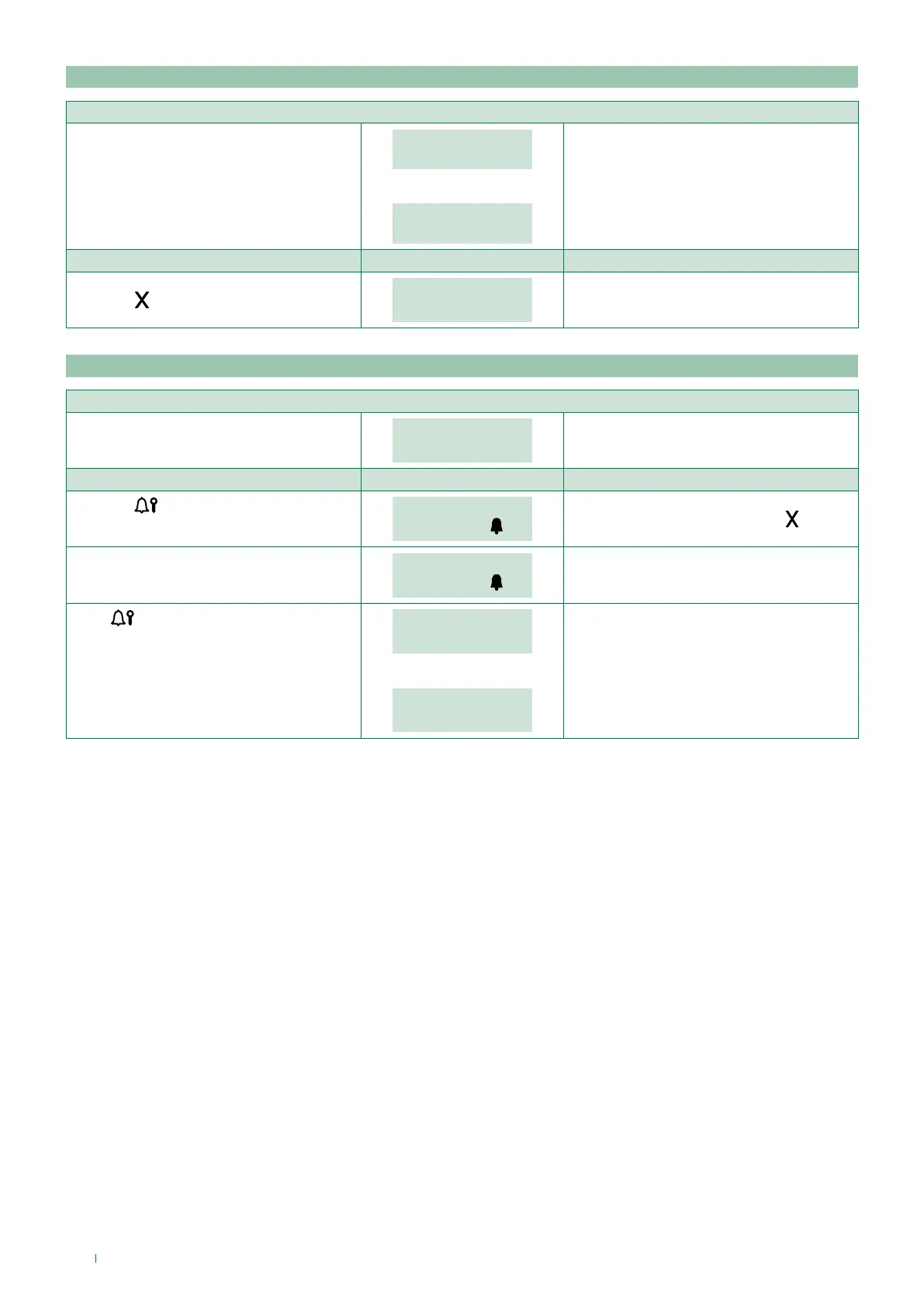
PASSWORD: _ _ _ _ _ _
CONFIRM WITH
To cancel the procedure press the . key
Enter the password code. (min. 4 characters).
PASSWORD: _ _ * * * *
CONFIRM WITH
If the password is 4-5 characters long, it will
self-complete: the first digits will be zero
(e.g.: 001234 / 012345).
Press
to confirm.
DOOR
OPEN
If the password code is already in the
memory. The contact on the speaker module
will be activated.
or:
WRONG
PASSWORD
If the password code does not exist in the
memory.



 To Next Page
 Loading...







