17
1.3. Default settings
This procedure restores the factory-set default parameters:
Language = DEFAULT;
System type = SIMPLEBUS;
Call type = STANDARD;
Screensaver =disabled (the Screen Saver function can only be programmed for VIP systems using VIP Manager);
RS485 address = 0000;
Download type = RS232;
Supercode = 778899;
Welcome message = disabled (the Welcome message function can only be programmed for VIP systems using VIP
Manager);
Static welcome message = disabled (the Welcome message function can only be programmed for VIP systems using
VIP Manager);
Number of directory entries = 0
Number of password entries = 0
This procedure resets the directory and password database
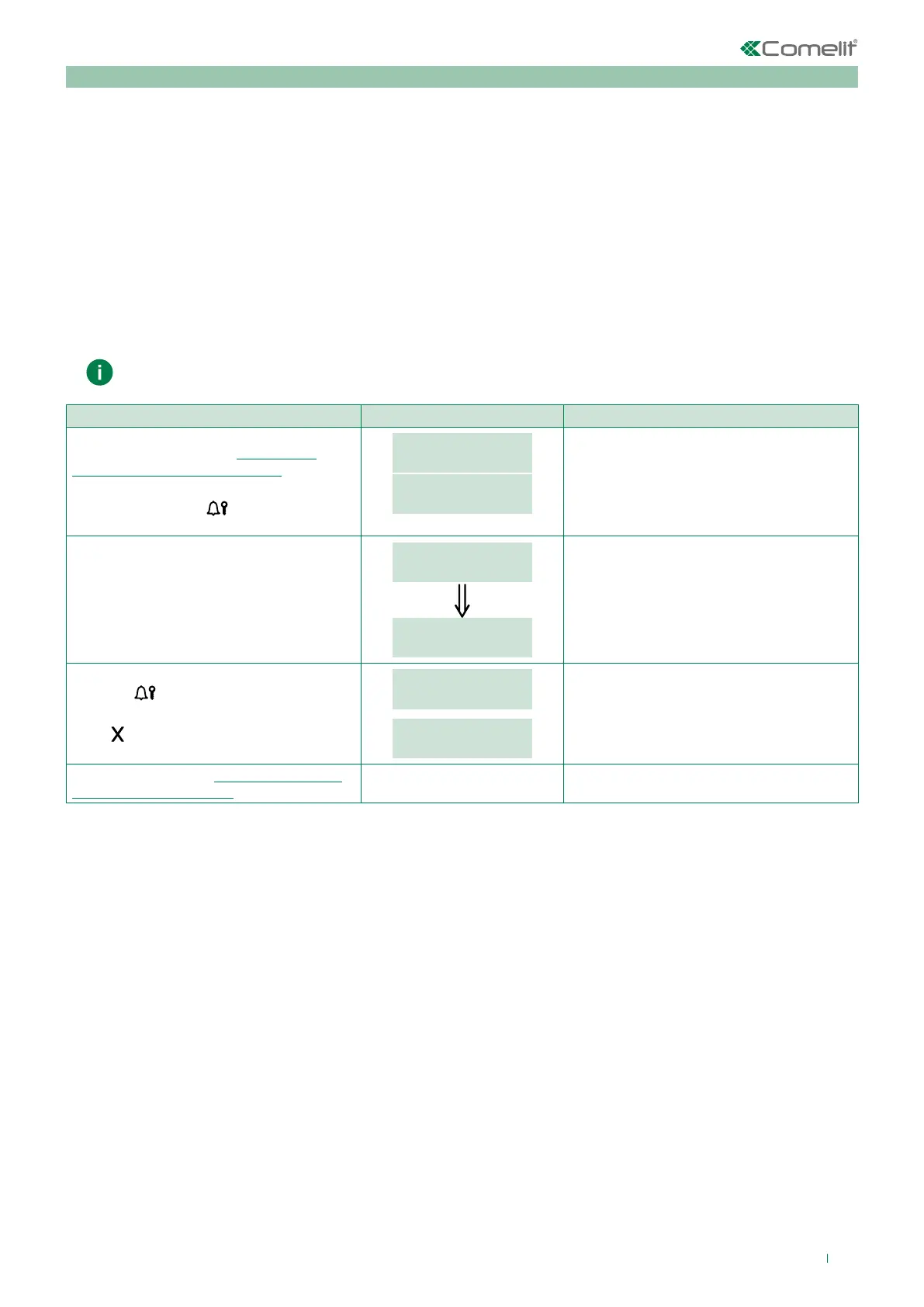
PROCEDURE DISPLAY INFO DESCRIPTION
Access configuration (see “Accessing/
exiting the configuration stage”)
Select the menu SETTINGS / DEFAULT
SETTINGS using the
key.
MAIN
SETTINGS
SETTINGS
DEFAULT SETTINGS
The menus are scrolled through
automatically every 2 seconds.
The current value of the parameter appears
on screen.
Select the desired value by entering the
corresponding number:
0 = NO
1 = YES
DEFAULT SETTINGS
_ _ _ 1
DEFAULT SETTINGS
YES
2 sec
Press the
key to confirm the value of the
parameter.
Press
to exit the menu.
PLEASE WAIT
PARAMETER
CHANGED
If entry is successful.
Exit configuration (see “Accessing/exiting
the configuration stage”)


 To Next Page
 Loading...








