18
2. Access control
2.1. Supercode
2.1.1. Change
2.1.2. Default settings
The supercode can be used to access the configuration menu.
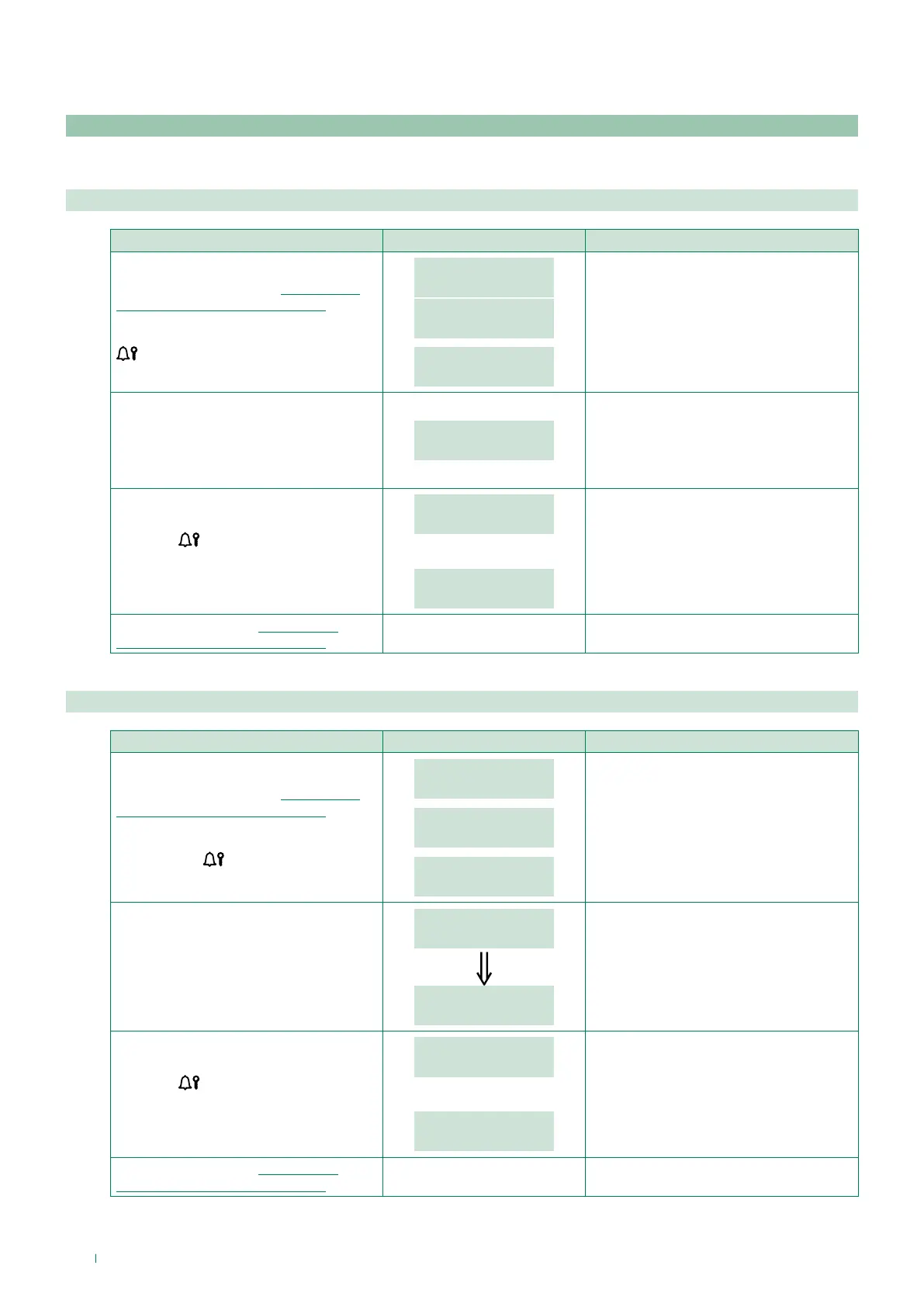
PROCEDURE DISPLAY INFO DESCRIPTION
Access configuration (see “Accessing/
exiting the configuration stage”)
Select the menu ACCESS CONTROL /
SUPERCODE / CHANGE using the key
.
MAIN
ACCESS CONTROL
ACCESS CONTROL
SUPERCODE
SUPERCODE
CHANGE
The menus are scrolled through
automatically every 2 seconds.
Enter the new supercode value.
SUPERCODE
VALUE: _ _ _ * * *
The supercode must be at least 4 digits
long.
If the supercode is 4-5 characters long, it
will self-complete: the first digits will be
zero (e.g.: 001234 / 012345).
Press the
key to confirm the value
of the parameter.
PARAMETER
CHANGED
If entry is successful.
or:
PASSWORD ALREADY
IN MEMORY
If the password has already been
entered.
Exit configuration (see “Accessing/
exiting the configuration stage”)
PROCEDURE DISPLAY INFO DESCRIPTION
Access configuration (see “Accessing/
exiting the configuration stage”)
Select the menu ACCESS CONTROL /
SUPERCODE / DEFAULT SETTINGS
using the key
.
ACCESS CONTROL
SUPERCODE
SUPERCODE
DEFAULT SETTINGS
DEFAULT SETTINGS
NO
The menus are scrolled through
automatically every 2 seconds.
The current value of the parameter
appears on screen.
Select the desired value:
0 = NO
1 = YES
DEFAULT SETTINGS
_ _ _ 1
DEFAULT SETTINGS
YES
2 sec
default = 778899
Press the
key to confirm the value
of the parameter.
PARAMETER
CHANGED
If entry is successful.
or:
ERROR
If entry does not fall within the limits.
Exit configuration (see “Accessing/
exiting the configuration stage”)



 To Next Page
 Loading...







