11
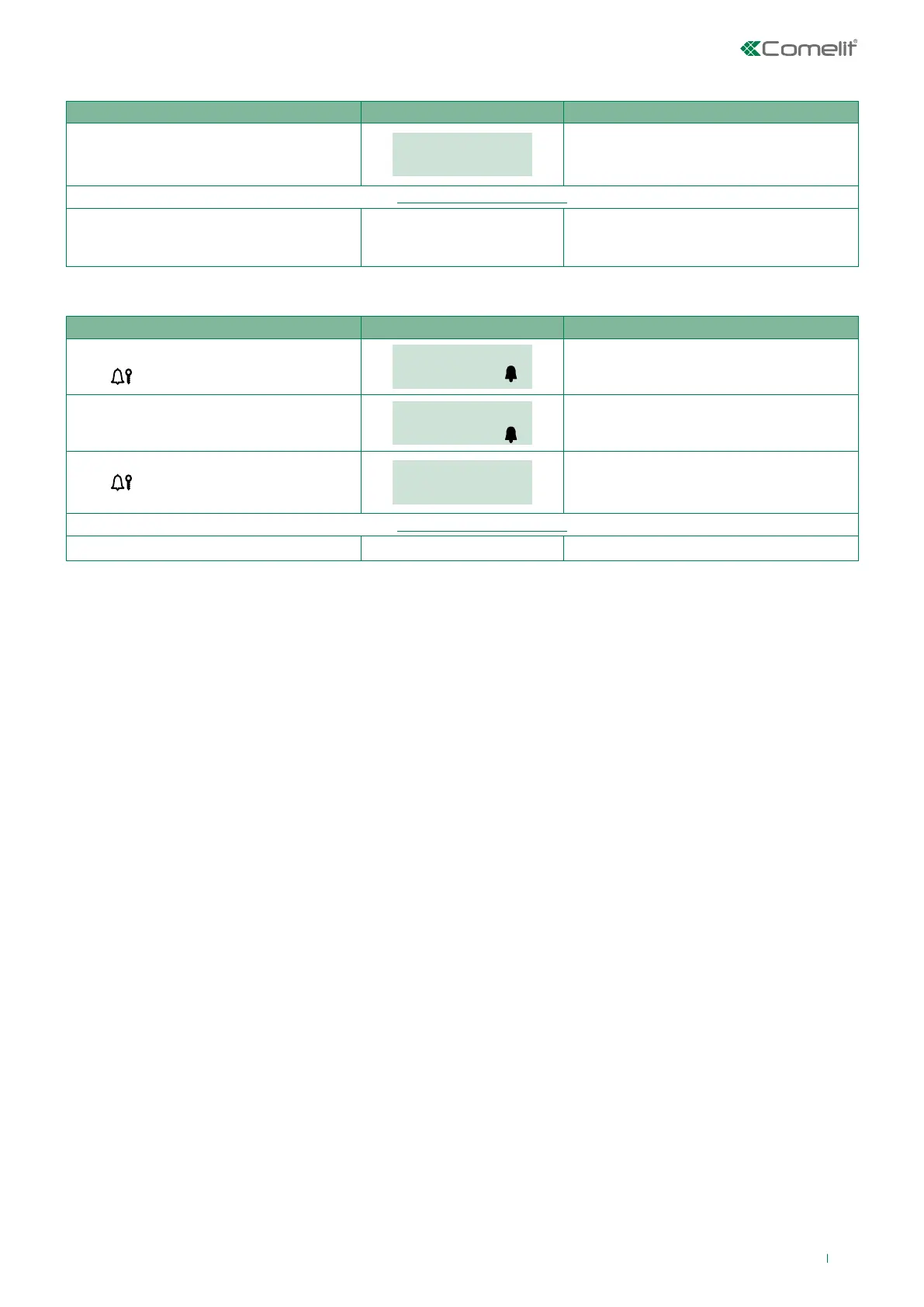
PROCEDURE DISPLAY INFO DESCRIPTION
Connect terminal PR to terminal –
and power up the module.
MAIN
SETTINGS
The module is in programming mode.
The menus are scrolled through
automatically every 2 seconds.
Configure the parameters you wish to change...(see “1.1. System parameters”)
After configuration is complete, cut o the
power supply and remove the connection
between PR and –.
The module has exited programming mode.
Or:
PROCEDURE DISPLAY INFO DISPLAY INFO
In standby.
Press
.
PASSWORD: _ _ _ _ _ _
CONFIRM WITH
Login screen.
Enter the supercode (default = 778899).
PASSWORD:
******
CONFIRM WITH
If the supercode is 4-5 characters long, it
will self-complete: the first digits will be zero
(e.g.: 001234 / 012345).
Press
to confirm.
MAIN
SETTINGS
The module is in programming mode.
The menus are scrolled through
automatically every 2 seconds.
Configure the parameters you wish to change...(see “1.1. System parameters”)
Wait 30 sec. The module has exited programming mode.
Accessing/exiting the configuration stage


 To Next Page
 Loading...








