15
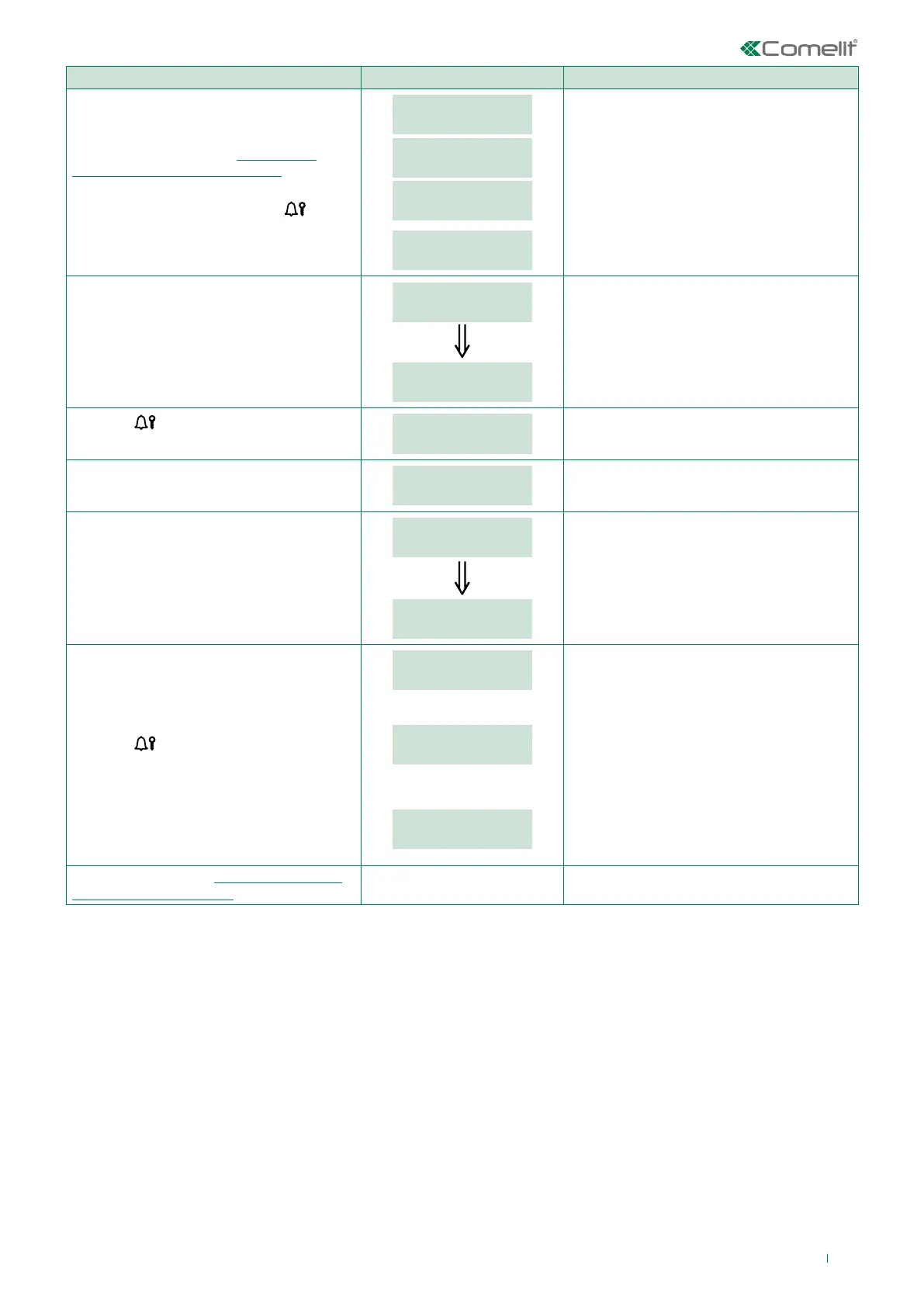
PROCEDURE DISPLAY INFO DESCRIPTION
Access configuration (see “Accessing/
exiting the configuration stage”)
Select the menu SETTINGS / SYSTEM
PARAM. / CALL MODE using the
key.
MAIN
SETTINGS
SETTINGS
SYSTEM PARAM.
SYSTEM PARAM.
CALL MODE
CALL MODE
SIMPLEBUS
The menus are scrolled through
automatically every 2 seconds.
The current value of the parameter appears
on screen (Simplebus, Simplebus Top, VIP).
Select the call mode by entering the
corresponding number:
0 = SIMPLEBUS
1 = SIMPLEBUS TOP
2 = VIP
CALL MODE
_ _ _ 1
CALL MODE
SIMPLEBUS TOP
2 sec
EXAMPLE: setting the system as
SIMPLEBUS TOP
Press the
key to confirm the value
of the parameter.
PLEASE WAIT
If the change was successful the speaker will
emit a confirmation tone.
CALL MODE
STANDARD
The current value of the parameter appears
on screen (Standard or indirect code).
Select the call mode by entering the
corresponding number:
0 = STANDARD
1 = INDIRECT CODE
[NO VIP]
CALL MODE
_ _ _ 1
CALL MODE
INDIRECT CODE
2 sec
EXAMPLE: setting the call mode as
INDIRECT CODE.
Press the
key to confirm the value
of the parameter.
PARAMETER
CHANGED
If entry is successful.
or:
ERROR
If entry does not fall within the limits.
or:
ERROR
DEFAULT SETTINGS
If the directory and speaker are
configured differently and the directory
already contains data, the default values
must be restored.
Exit configuration (see “Accessing/exiting
the configuration stage”)



 To Next Page
 Loading...







