EasyManua.ls Logo

Commodore 64C - Initial Computer Power-On Procedure

Commodore 64C
40 pages
Print Icon
To Next Page IconTo Next Page
To Previous Page IconTo Previous Page
Loading...
turning
on
the
computer
for
the
first
time
—if
you
are
using
a
television
set
1.
MAKE
SURE
THAT
YOU
HAVE
CONNECTED
THE
COM
PUTER
PROPERLY
TO
THE
TELEVISION
SET.
Follow
the
instructions
in
the
QUICK-
CONNECT
GUIDE.
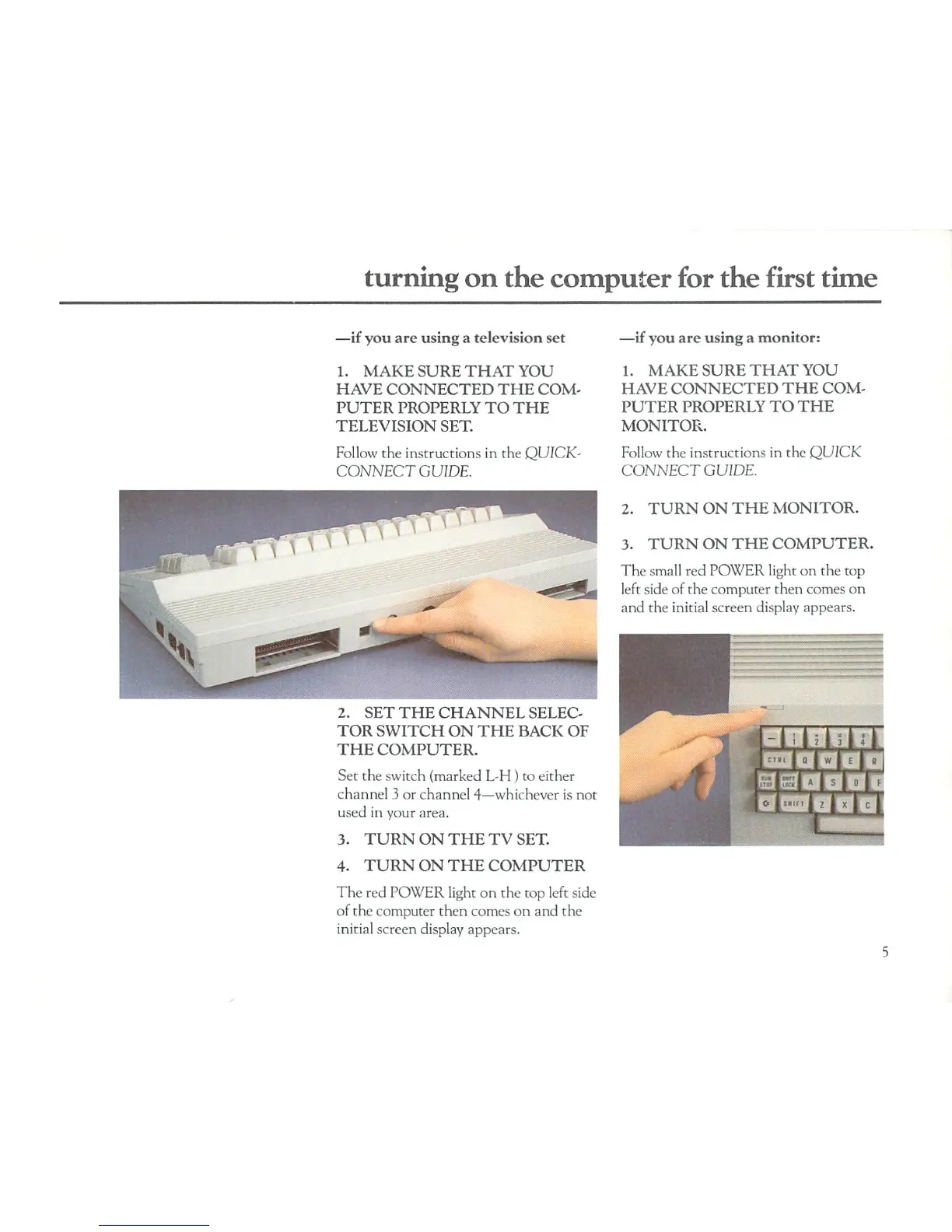
2.
SET
THE
CHANNEL
SELEC
TOR
SWITCH
ON
THE
BACK
OF
THE
COMPUTER.
Set
the
switch
(marked
L-H
)
to
either
channel
3
or
channel
4—whichever
is
not
used
in
your
area.
3.
TURN
ON THE
TV
SET.
4.
TURN
ON
THE
COMPUTER
The
red
POWER
light
on
the top
left
side
of the
computer
then
comes
on
and
the
initial
screen
display
appears.
—if you
are
using
a
monitor:
1.
MAKE
SURE
THAT
YOU
HAVE
CONNECTED
THE
COM
PUTER
PROPERLY
TO
THE
MONITOR.
Follow
the
instructions
in
the
QUICK
CONNECT
GUIDE.
2.
TURN
ON
THE
MONITOR.
3.
TURN ON
THE
COMPUTER.
The
small
red
POWER
light
on
the top
left
side
of
the
computer
then
comes
on
and
the
initial
screen
display
appears.

Related product manuals