Explanation
of
above program:
(1) Data placed in the computer's memory.
(2)
You OPEN a
file
and
give
it a logical file number (lfn)
of
3. The 4
(following the comma) makes the file available
to
the printer.
(3) The printer
is
"listening."
(4) The program
is
LISTed
onto
the printer. The printer is still
"lis tening."
(5)
Use
the
PRINT#
command to "unlisten" the printer.
(6) You CLOSE the file
so
that the lfn 3 can
be
used for something else.
3. Printing Under Program Control
Now
that
you
have seen
how
to
control the printer directly from the
keyboard, it's time
to
control the printer from within a BASIC program.
The short BASIC example below would already be
in
the computer's
memory.
It
could have been placed there from the keyboard, a cassette
tape, or a floppy disk.
1121
OPEN3.4
20
CMD3
30
PRINT"PROGRAM
CONTROL"
4121
LIST
3.2
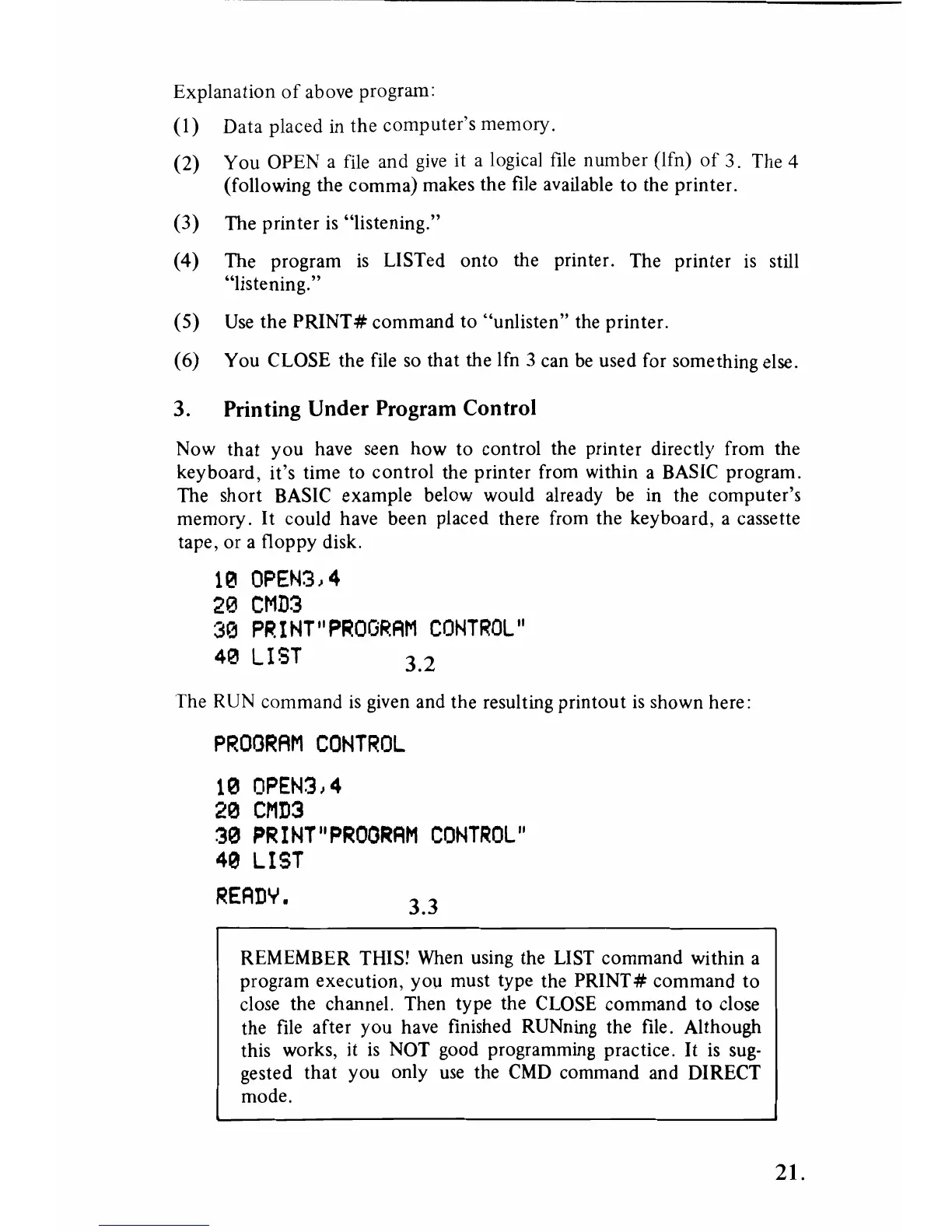
The RUN command
is
given and the resulting printout
is
shown here:
PROORAM
CONTROL
1121
OPEN3,4
2121
CMD3
3121
PRINT"PROORAM
CONTROL"
4121
LIST
READY.
3.3
REMEMBER THIS! When using the LIST command within a
program execution, you must type the
PRINT#
command
to
close the channel. Then type the CLOSE command
to
close
the file after
you
have finished RUNning the file. Although
this works, it
is
NOT good programming practice.
It
is
sug-
gested
that
you only use the
CMD
command and DIRECT
mode.
21.



 To Next Page