EasyManua.ls Logo

Commodore VIC-1525 - Maintenance and Troubleshooting

Commodore VIC-1525
39 pages
Print Icon
To Next Page IconTo Next Page
To Previous Page IconTo Previous Page
Loading...
7.
MAINTENANCE
We
hope
you
don't have
problems
but
just in case
... see
if
you
can
solve
them by
using
the
table
below.
If
you can't,
then try
to
determine
which
component in
your
system is
at fault,
and
bring
it into
a
store for
repair.
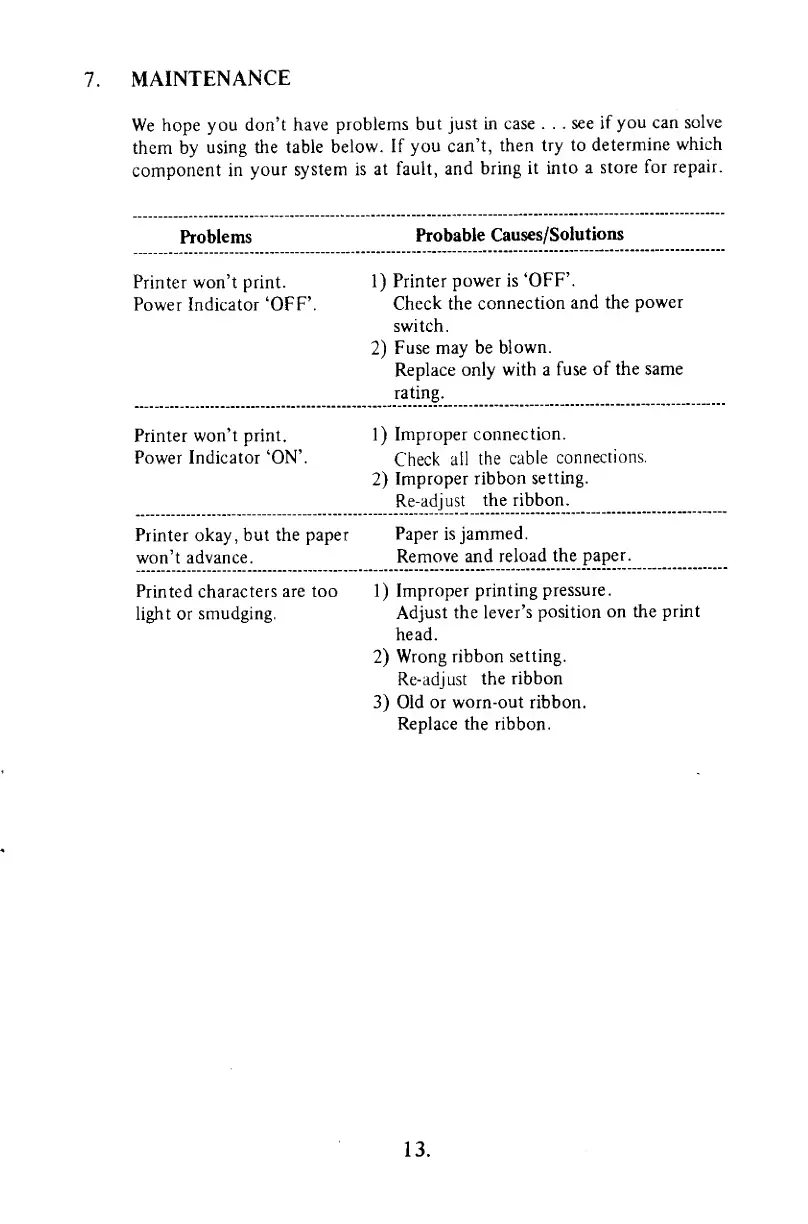
Problems
Probable
Causes/Solutions
Printer won't print.
Power
Indicator 'OFF'.
1)
Printer
power is
'OFF'.
Check the
connection
and the
power
switch.
2)
Fuse may
be
blown.
Replace
only with a
fuse
of the same
rating.
Printer
won't print.
Power Indicator
'ON'.
1)
Improper
connection.
Check
all
the
cable
connections.
2)
Improper
ribbon
setting.
Re-adjust
the
ribbon.
Printer okay, but the paper
won't
advance.
Paper is
jammed.
Remove and
reload
the
paper.
Printed characters
are too
light or
smudging.
1)
Improper
printing
pressure.
Adjust the
lever's position
on
the
print
head.
2)
Wrong
ribbon
setting.
Re-adjust
the ribbon
3)
Old or worn-out ribbon.
Replace the
ribbon.
13.

Other manuals for Commodore VIC-1525

Related product manuals