Start Reverse Field
CHR$(18)
Repeat Graphics
Selected CHR$(26)
Specify Dot Address (must
follow Print
Head
Tab Code)
CHR$(27)
Enter
Cursor
Up Mode CHR$(145)
Turn Off Reverse Field
CHR$(146)
4.
1 Standard Character Mode
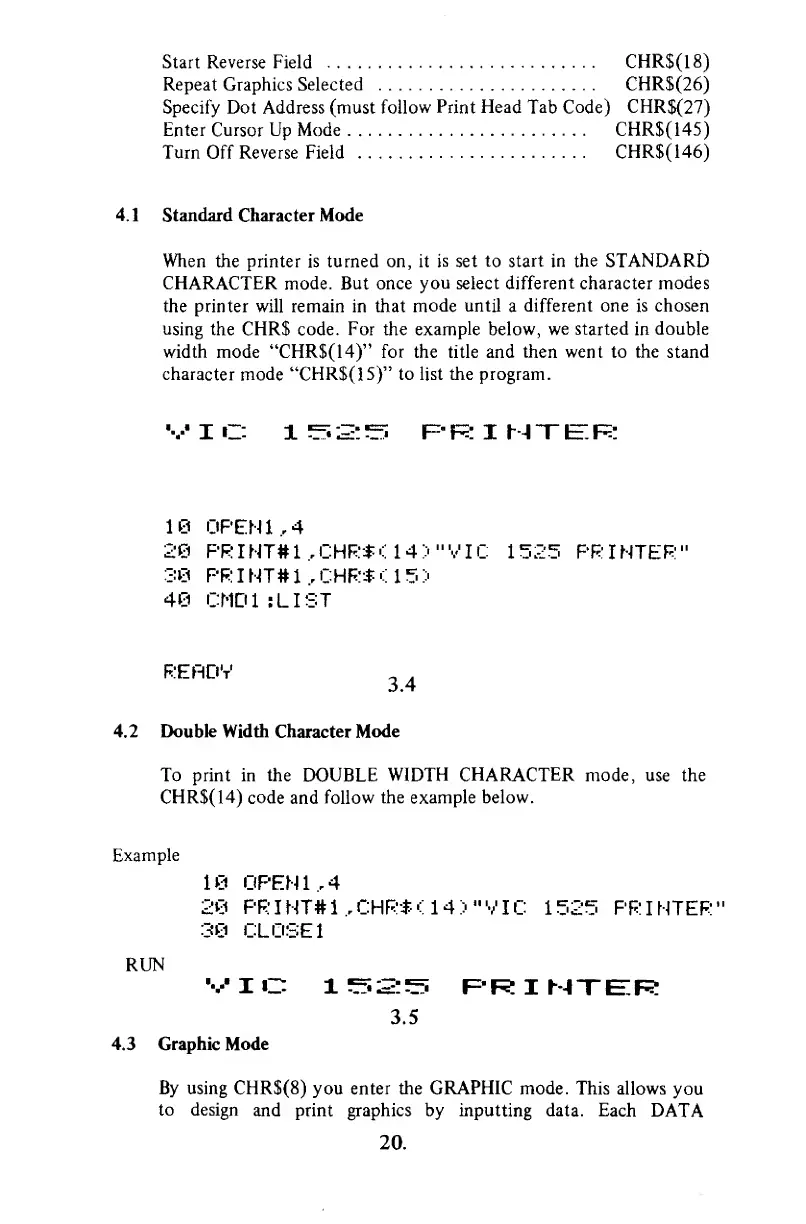
When the printer is turned on, it
is
set
to start
in
the
STANDARD
CHARACTER mode. But once
you
select
different
character
modes
the printer will remain in that
mode
until
a
different one
is
chosen
using
the CHR$ code. For the
example
below,
we started
in
double
width mode "CHR$(14)" for the title and
then went
to
the stand
character mode
"CHR$(15)" to list the program.
V
I C 1 ^2: ^ F" F: I M
T
IE".
F:
10
OPEN
1,4
.2©
PRINT#1,CHR*<14>"VIC
1525
PRINTER"
38 PRINT#1,CHR*U5>
46 CMD1 :LIST
RERDV
-
.
3.4
4.2 Double
Width Character
Mode
To print in the DOUBLE WIDTH
CHARACTER
mode, use the
CHR$(14)
code
and
follow
the example below.
Example
10
OPEN
1,4
20
PRINT#1,CHR*<14>"VIC
1525 PRINTER"
30 CLOSE
1
RUN
VIC
l^f.S:^
RRIMXER
3.5
4.3 Graphic Mode
By using CHR$(8)
you
enter
the
GRAPHIC
mode. This allows
you
to design
and print graphics by inputting data. Each
DATA
20.



 To Next Page