7
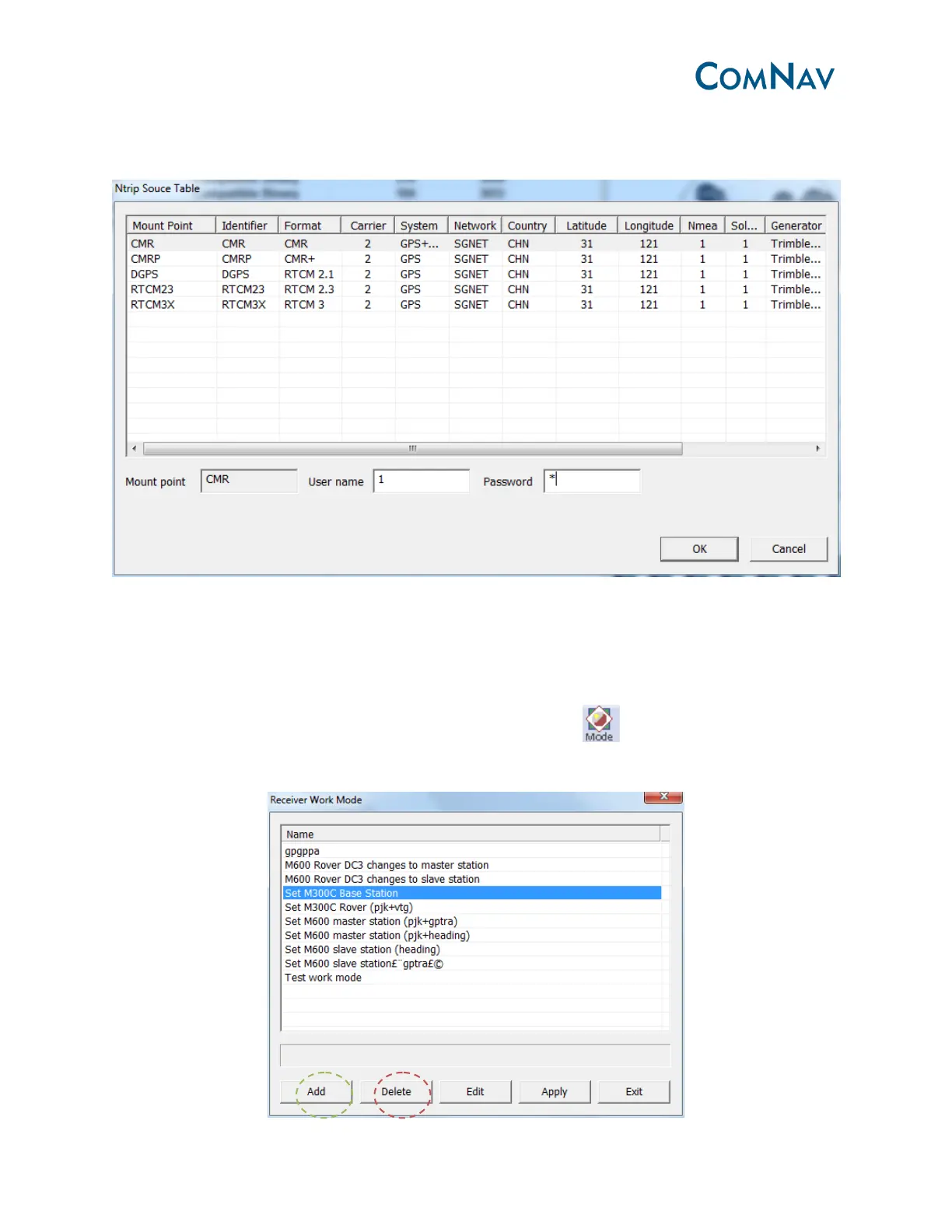
This screenshot shows the Ntrip Mount Point. Select the right Mount Point and input the User
name and Password, at last click OK.
3.2.3 Work mode configuration
To change the work mode (Base station or Rover), you can edit the command package and sent
to the receiver.
For example, if you want to start M300 as Base station, go to , some predefined command
package list can be seen below.



 To Next Page