8
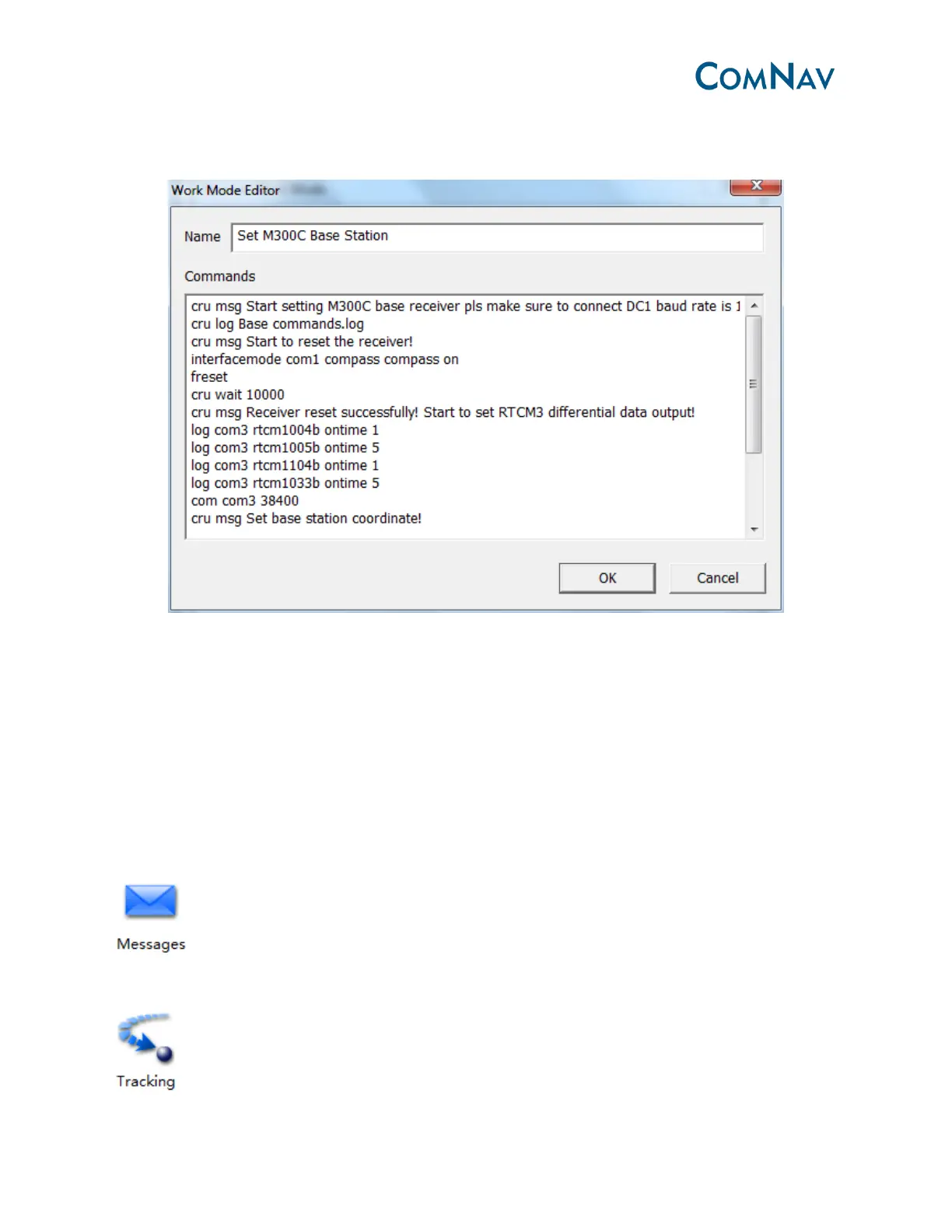
Click Edit, You can edit the command package that sent to receiver, then click OK
Click Apply and follow the indication to start base M300 as Base station.
After starting base station, use DC3 link with external radio, and set the external radio interface
baud rate as 38400 bps (to match with the correction message)
3.3 Main information check
3.3.1 Satellites information and global map view
: The list of output messages by receiver, such as BESTPOSB, BESTVELB and TIMEB
information
: Satellite information, such as SNR and elevation.



 To Next Page