19
4.7 Update radio firmware
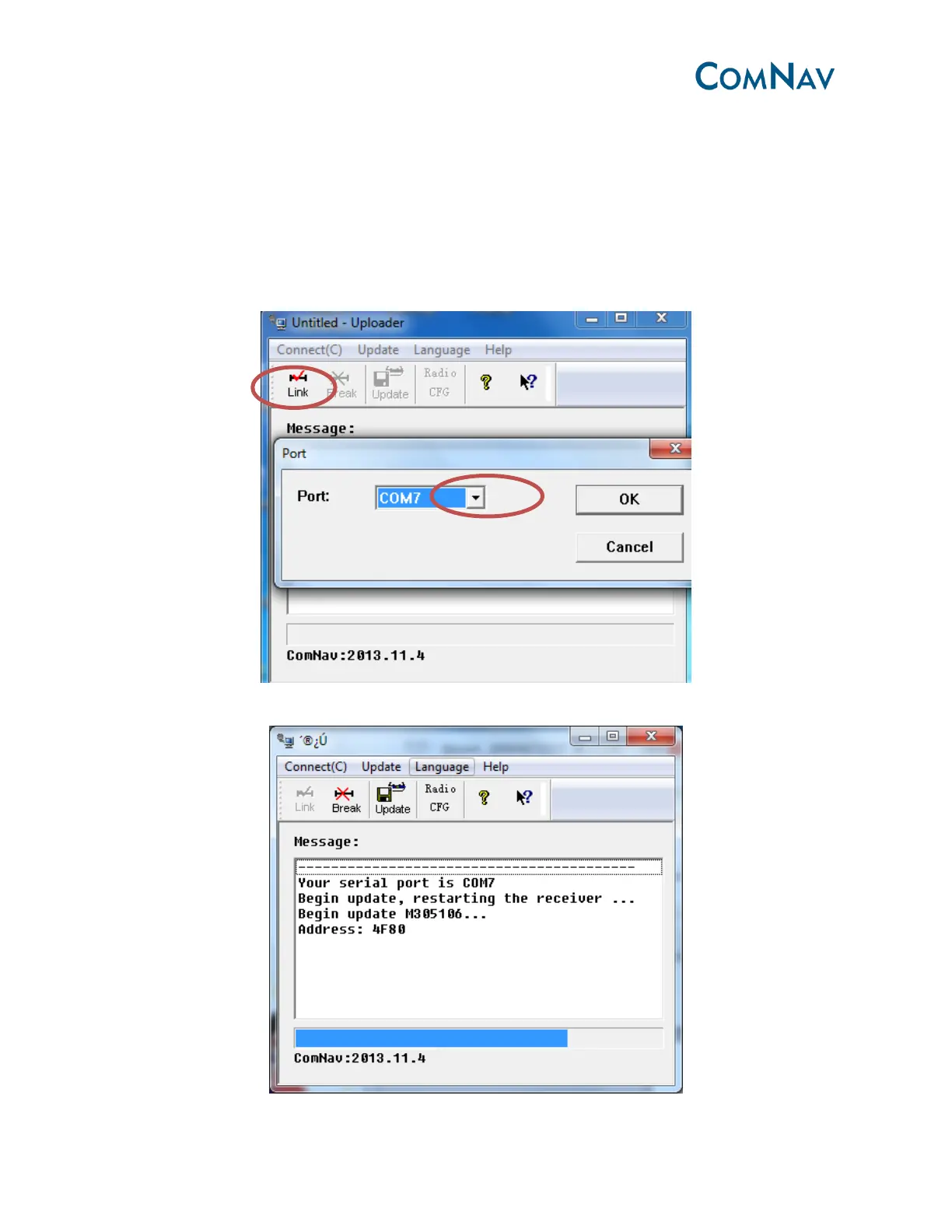
The update process is as same as updating OEM board.
Download the radio firmware from ComNav website, use the data cable link with DC3 of M300
to update (update OEM firmware use DC1).
Open the update file ***.exe, go to App->Link Setup, select the right serial port of your PC,
then click OK, and click Link.
Click update, the programme bar will make progress, this will take a few seconds.



 To Next Page