11
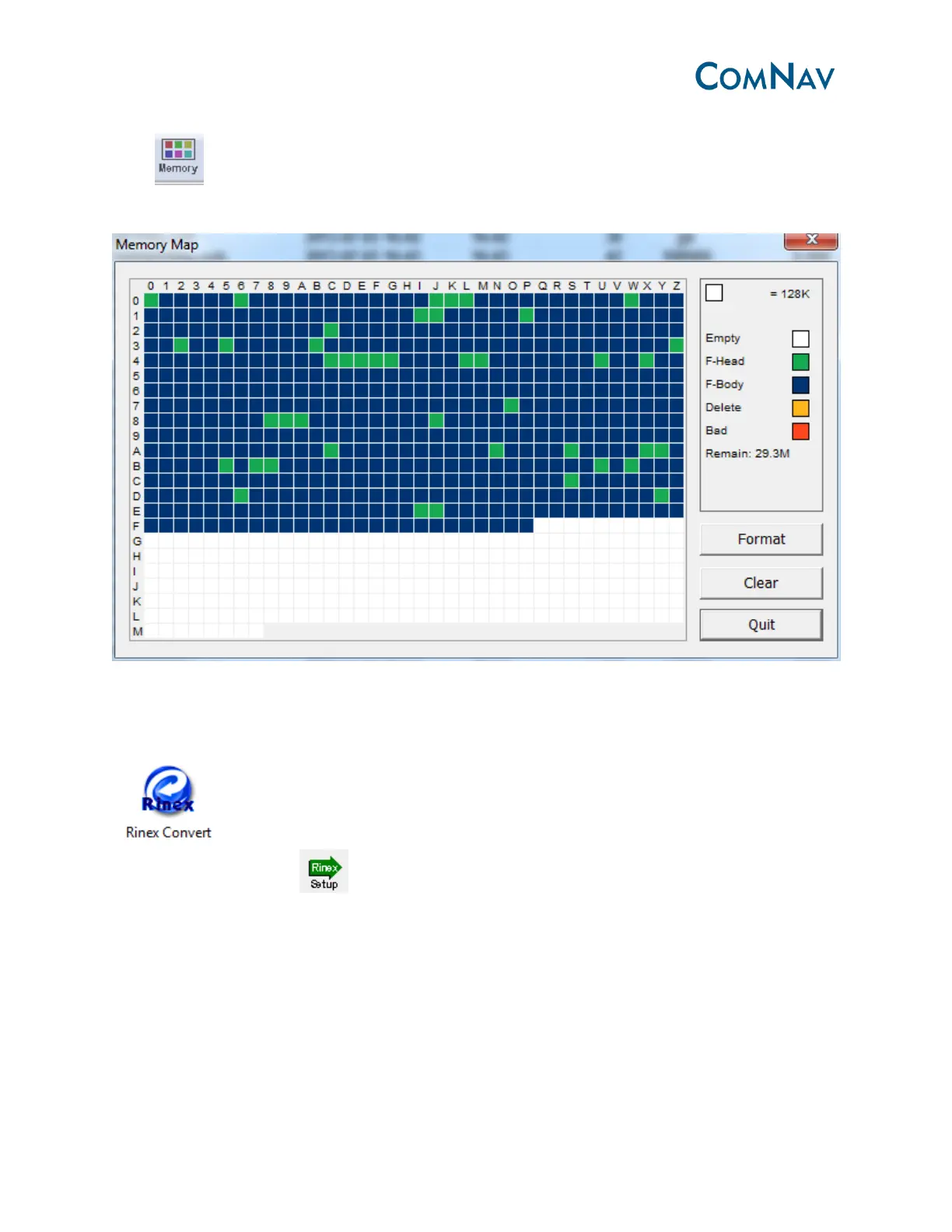
3.4.2 Memory management
Go to in shortcut bar, you can format the memory or clear the files that you deleted to
the recycle bin.
3.4.3 Rinex convert
After downloading raw data to the project folder, then you can convert it to Rinex format. Click
in the function bar, you will see the raw data in current project.
Go to the shortcut bar- , define the Rinex version and export observation information;
then go to the main window, select the file and right click to convert to Rinex format. Go to the
raw data files to check the Rinex format data.



 To Next Page