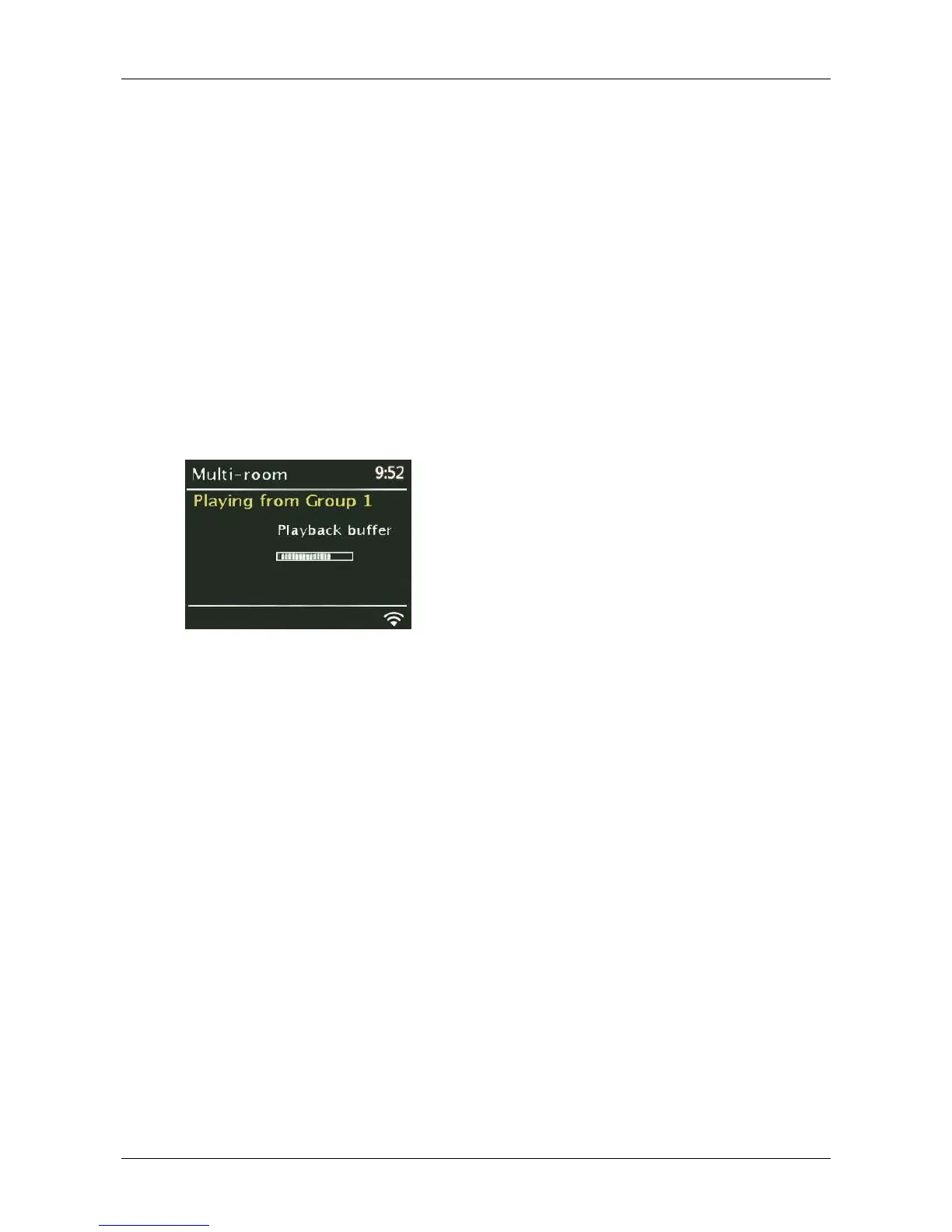
Create new group
Allows you to create and name a new group of radios.
Add to group
Enables you to add available units to the current group to which Solo or Duetto belongs.
List current clients
If this unit is acting as the Server for a group, this option lists the client units in the group.
Leave group
Allows you to remove the unit from its current group.
Dissolve group
Enables the dissolution of the current group to which the unit belongs. All units within the group
then act as individual radios available to be added to other groups.
2. From the Como Control App:
Choose “CA Solo” or “CA Duetto” (depending on which model you purchased) as the Server or
Client device via the App on the smart device acting as the controller. The device which has
the Como Control app must be connected to the same WiFi network as Solo and Duetto.
Note: The “CA Solo” (or Duetto) ‘friendly’ name can be changed via the App or on the unit’s Web pages.
See section 0
k. Listening mode (Non-North American units only)
For energy conservation, if Solo or Duetto is left on but there has been no sound and none of the controls
have been used after approximately 20 continuous minutes, the unit will automatically go into standby.
Listening mode: Switching this feature on will prevent the unit from going into auto standby after 20 minutes
of no sound/use when in Auxiliary mode only. To access Listening mode, press and hold the Menu knob >
System settings > Listening mode.


 To Next Page