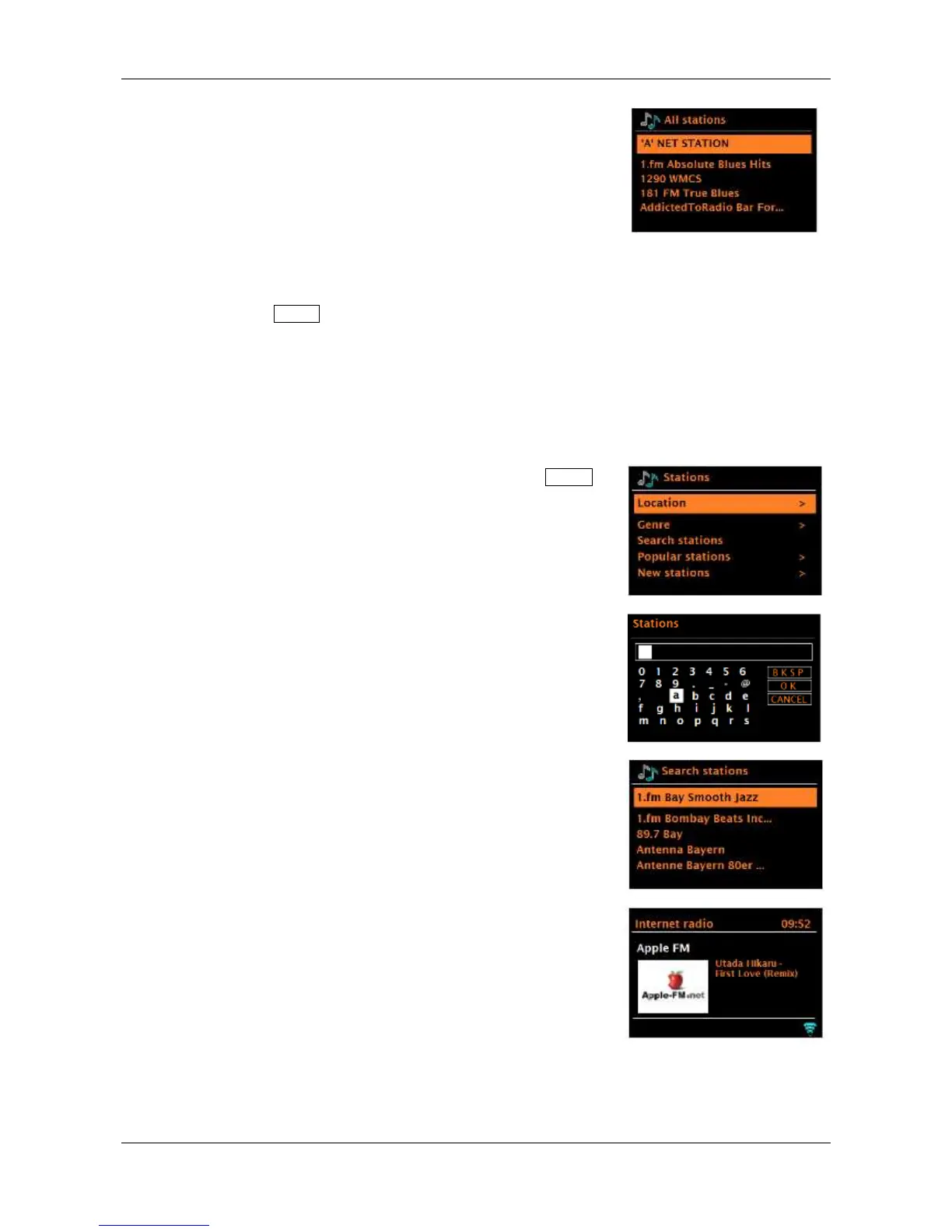
Choose a station from the list to tune to that station.
Note: BBC radio ‘Listen Again’ programs are accessible through the Podcast menu. For example, press
and hold the Menu knob > Podcasts > Location > Europe > United Kingdom > All shows >
BBC Radio 4 > You and Yours > 20/08/2016 - August 20.
Search
You can search through Internet broadcasts for stations or podcasts with particular keywords in
their title.
To search, in Internet radio mode, press and hold the Menu
knob > Station list > Search stations >
Enter a keyword by selecting characters, then OK. The
search entry method is similar in operation to the Wi-Fi
passphrase entry screen. Rotate the menu knob to highlight
the desired character, then briefly press in to select.
Select a station from the list.
For podcasts, you may be able to
select a particular episode.



 To Next Page