18
Embedded web pages
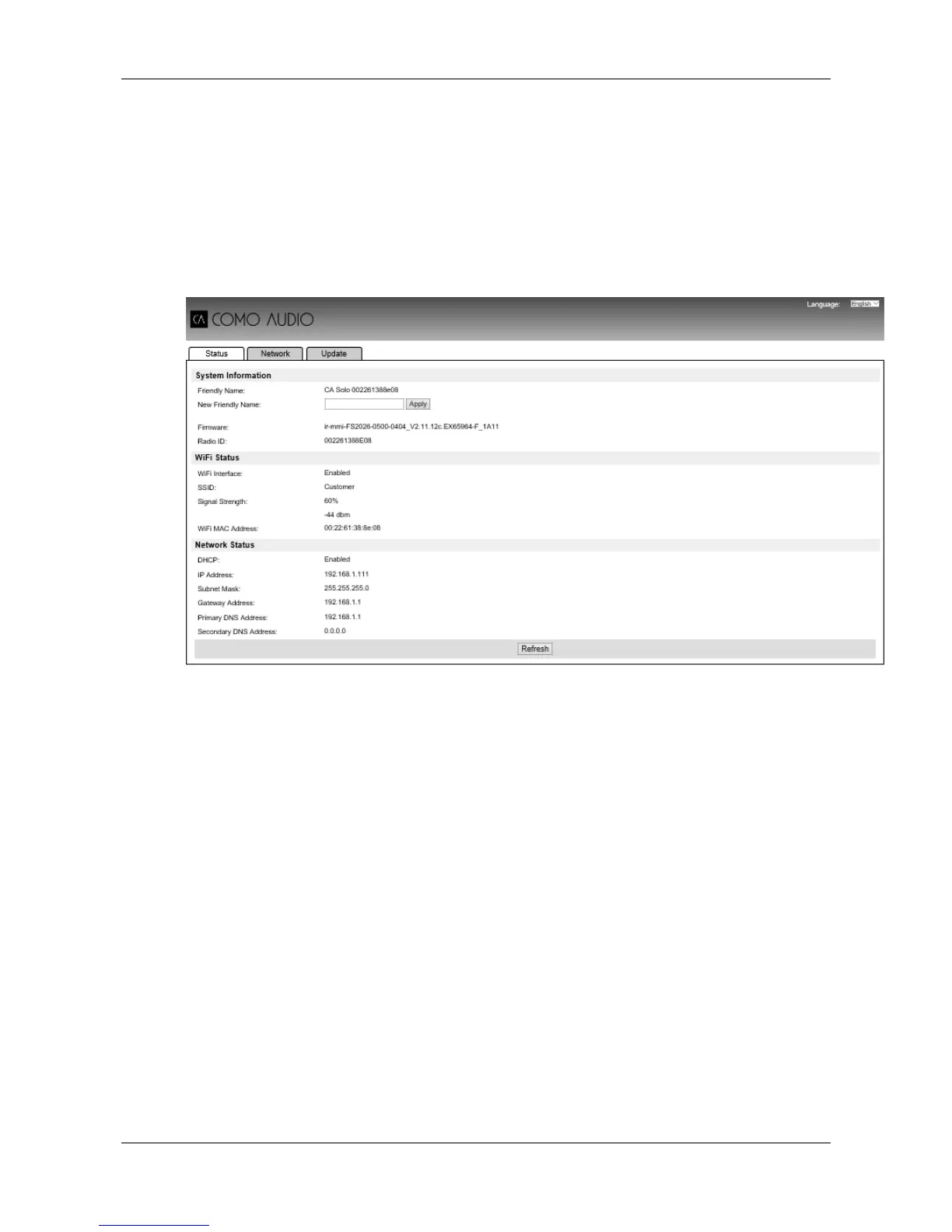
Once Solo or Duetto is connected to your network a web page is available to view status
information and make limited changes via a web browser, run on a smart device or PC, connected
to your network.
To connect to the web page enter your Solo or Duetto’s IP address into your web browser. To view
the IP address, on Solo or Duetto’s menu, navigate to: Menu > System Settings > Network >
View Settings – IP address.
The Friendly Name (CA Solo or CA Duetto) can be changed if desired.


 To Next Page