50
Power failure
In the event of a loss of power, Solo and Duetto will remember a set alarm time. However, the
alarm cannot activate if there is no power. If the time has been set to “Update to Network”, and
“Keep Network connected” has also been enabled, then the time will automatically be reacquired
within about 3 minutes after power is restored. Other settings such as Presets will also be saved
during a power loss.
Sleep
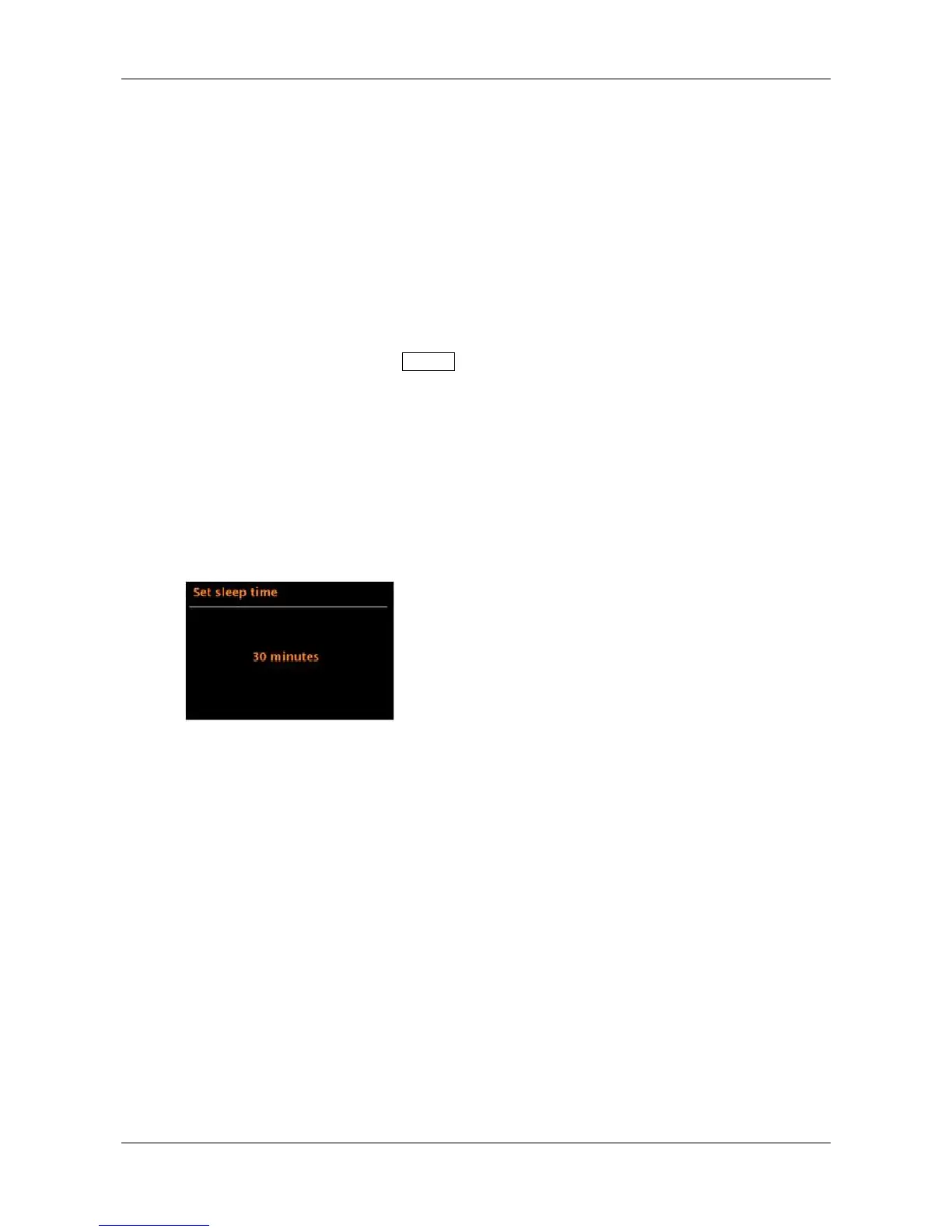
To set the Sleep timer, press and hold the Menu knob > Main menu > Sleep, and rotate the knob to
scroll through the sleep time options of Off, 15 Mins, 30 Mins, 45 Mins, and 60 Mins. After you select a Sleep
period by briefly pushing in the Menu knob, the display returns to the main menu which will then time out to
the ‘Now playing’ screen after approximately 12 seconds.
On the ‘Now Playing’ screen, the remaining sleep time is displayed at the bottom of the screen.
To cancel Sleep, return to the Menu and select Sleep OFF from the sleep time options.
Note: Sleep is automatically cancelled if Solo or Duetto is put into Standby.


 To Next Page