17
K09657H02 | PROC-CAL/002/03 USER MANUAL | V. 11/07/2023
. SETTINGS
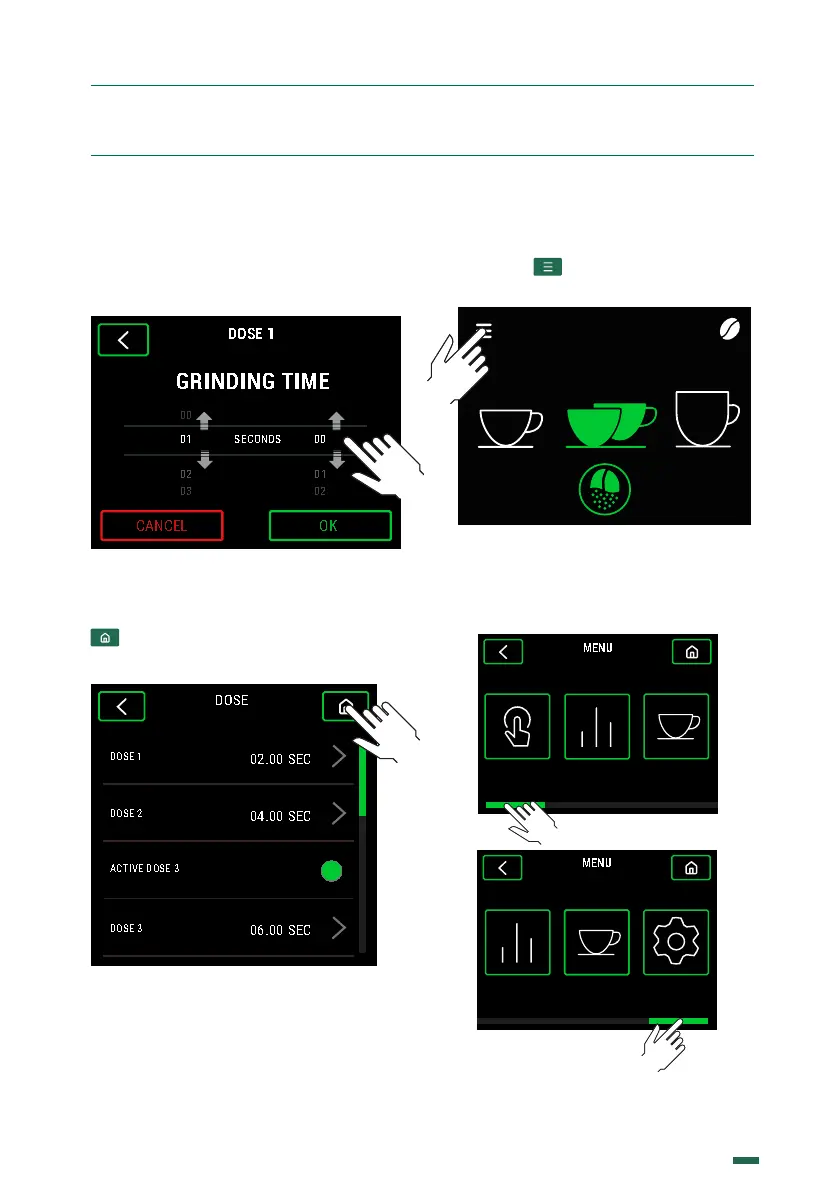
10.2.3. Inside the dose time configuration
menu, this can be changed by sliding the
seconds and tenths of a second up or down
until the desired time is obtained and press
OK.
10.2.4. When accepting, it will return to
the previous menu to be able to continue
changing more dose times or if the button
is pressed it will return to the Home
screen.
.. ACCESS TO THE
CONFIGURATION MENU
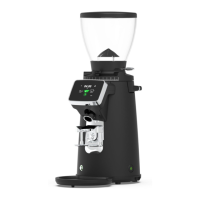
10.3.1. Press
10.3.2. There are 5 options, use the
horizontal scroll to navigate between: Mode,
Statistics, Recipes and Settings.
SELECT
SEC
04.00
1 2 3
E8 Ø83mm
MODE RECIPESSTATISTICS
SETTINGSSTATISTICS RECIPES
SETTINGSSTATISTICS RECIPES


 To Next Page