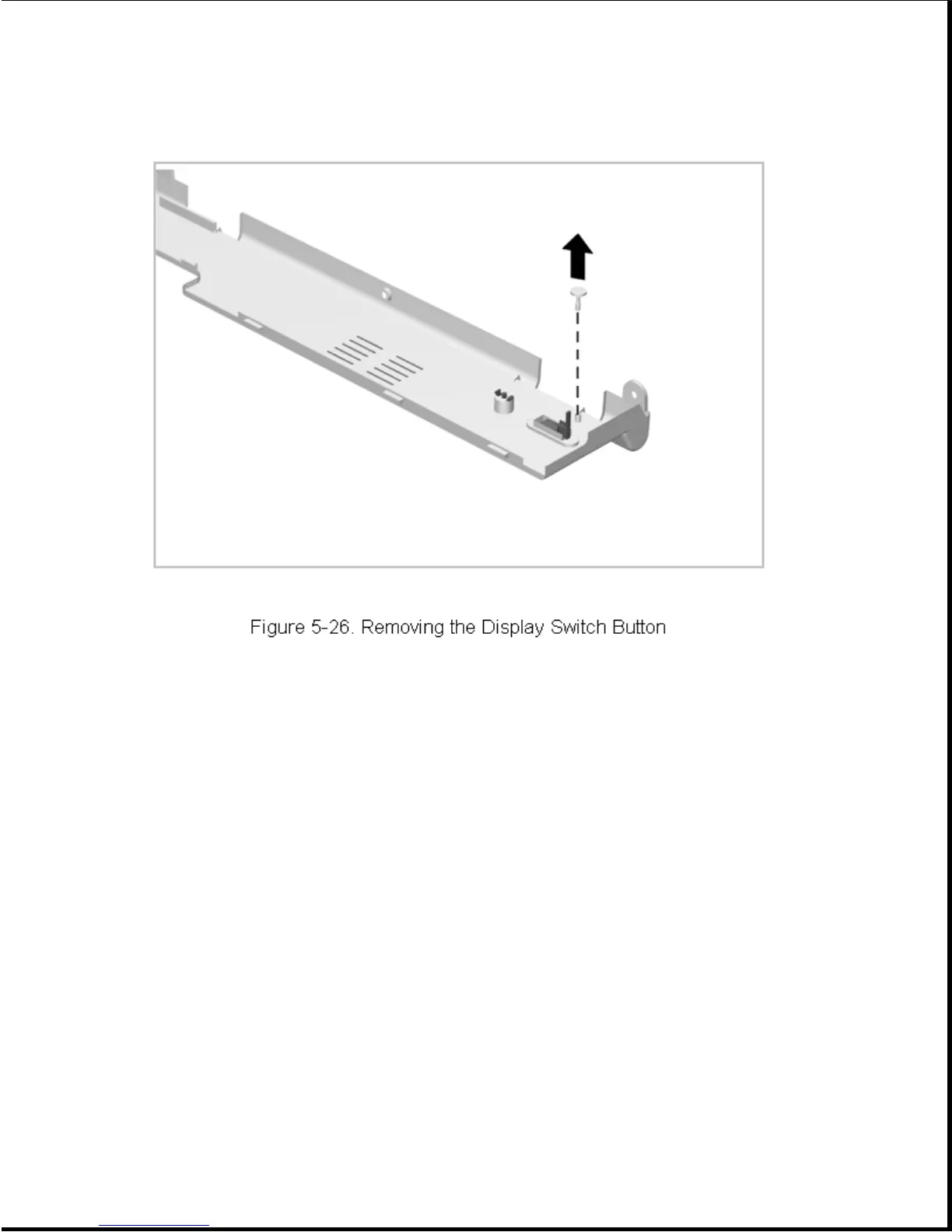
To install a display switch button, snap it into place.
Chapter 5.6 Microphone
With the CPU cover removed, the microphone is readily accessible on the
right-hand side of the computer above the keyboard. The microphone is
seated in a boot that is then installed in the keyboard plastic. To remove
and replace the microphone, complete the following steps:
1. Remove the CPU cover as described in Section 5.5.1.
2. Disconnect the microphone cable (Figure 5-27).









 To Next Page