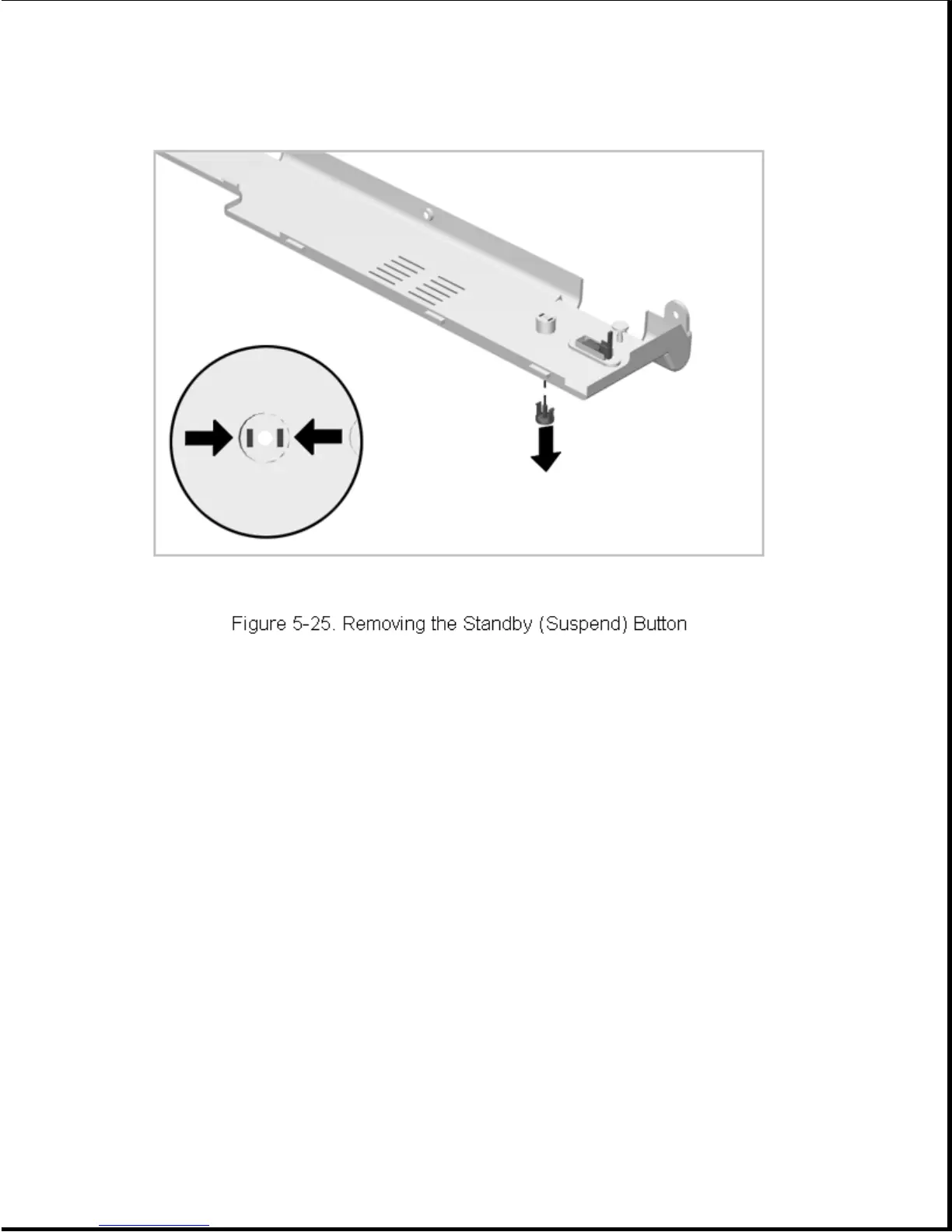
To install, simply snap the standby (suspend) button into place. To avoid
losing the spring, this task is better performed with the CPU cover
inverted.
5.5.4 Display Switch Button
The display switch button is installed with a snap action. To remove,
simply pull it out of its mounting hole (Figure 5-26).









 To Next Page