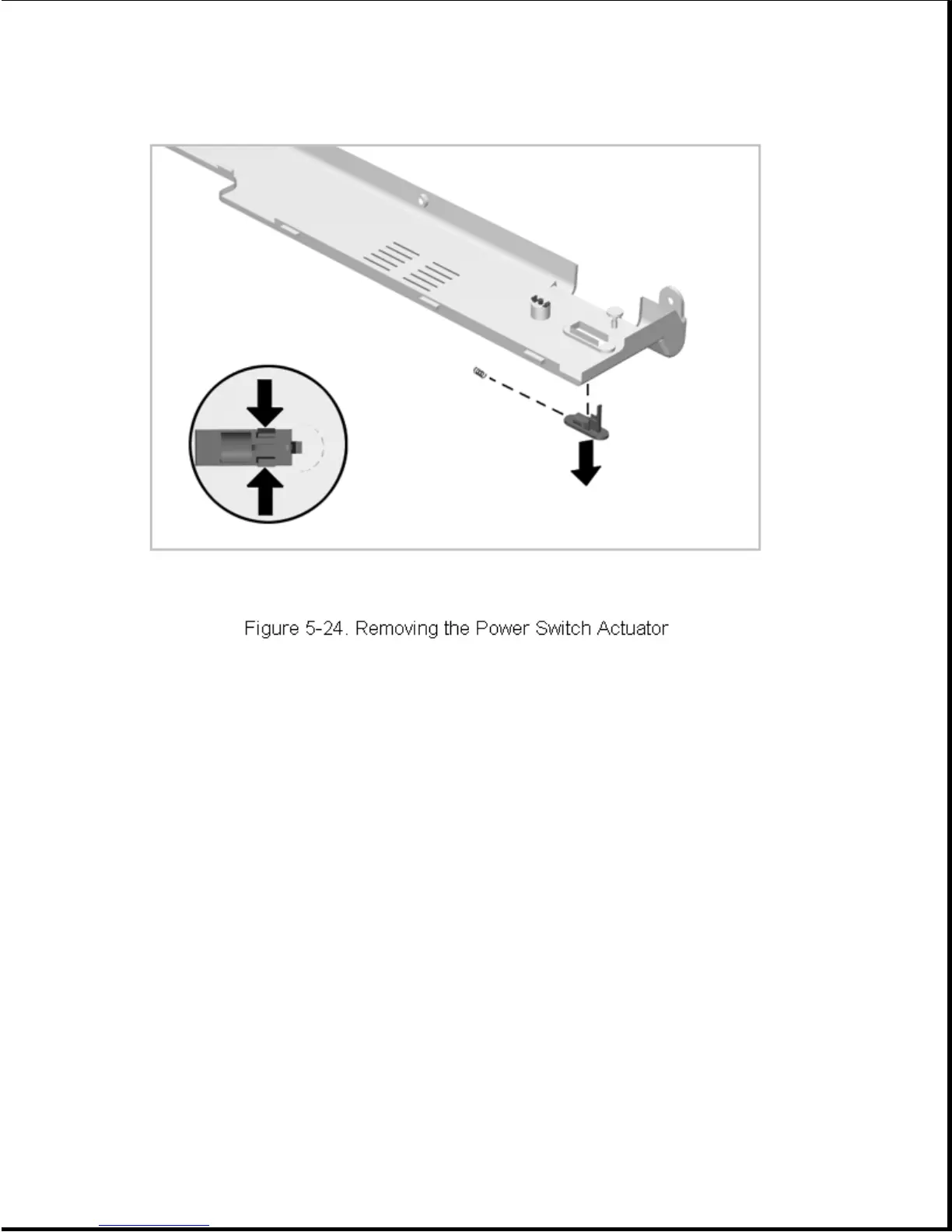
To install, simply snap the power switch actuator, with spring installed,
into place.
5.5.3 Standby (Suspend) Button
To remove the standby (suspend) button, complete the following steps:
1. Remove the CPU cover as described in Section 5.5.1.
2. From the bottom side of the CPU cover, squeeze the tabs and push the
button out of the cover (Figure 5-25). Note the spring associated with
this button and take care not to lose it.









 To Next Page