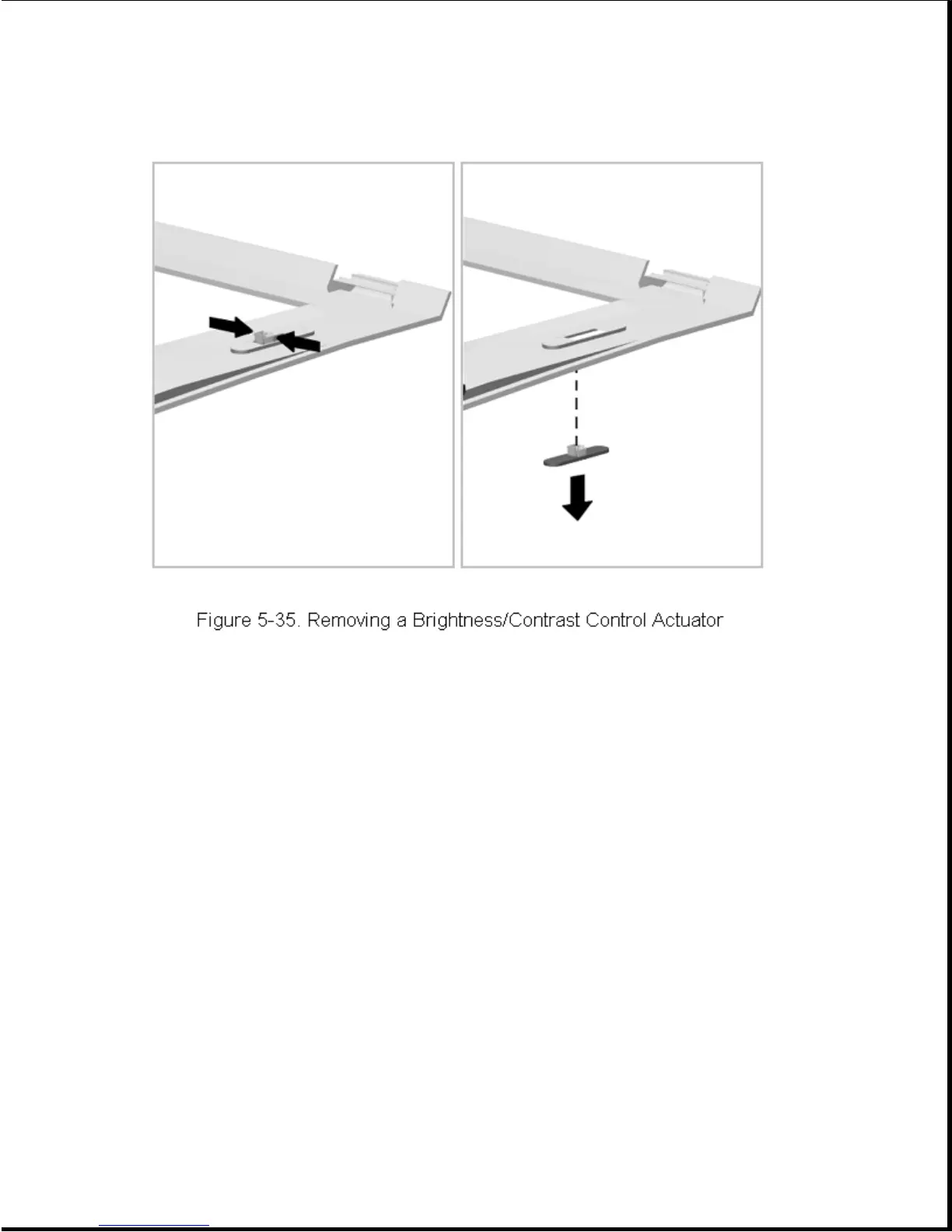
To install a brightness/contrast control actuator, simply snap it into
place.
IMPORTANT: When replacing the display bezel onto the display panel, make
sure the seat in the brightness/contrast control actuator is
aligned with the tab on the brightness/contrast switch. An
alternate installation procedure is to install the bezel and
then install the actuators.
5.8.6 Removing and Installing the Clutch Cradles
The left clutch cradle is held in place with one screw and is keyed to
provide proper installation. The right clutch cradle uses no screws for
installation and simply lifts out of the computer. To remove the clutch
cradles, complete the following steps:
1. Remove the display assembly (Section 5.8.1).
2. Remove the left cradle screw and lift the cradle out (Figure 5-36).









 To Next Page