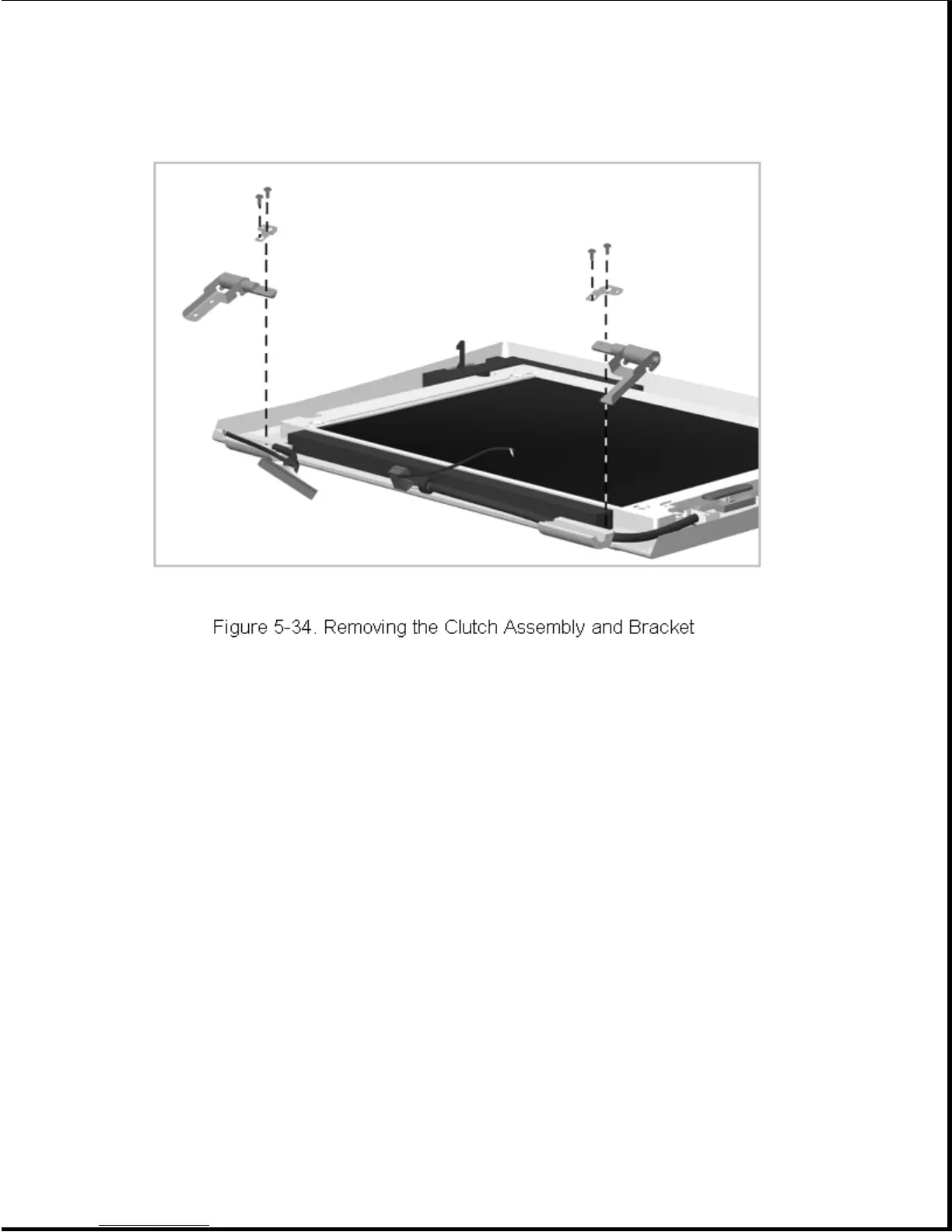
Reverse the above procedure to install a clutch assembly and bracket.
5.8.5 Brightness/Contrast Control Actuator
To remove a brightness/contrast control actuator, complete the following
steps:
1. Remove the display assembly as described in Section 5.8.1.
2. Remove the display bezel as described in Section 5.8.2.
3. Squeeze the tabs on the back of the actuator (Figure 5-35) and let it
drop out.









 To Next Page