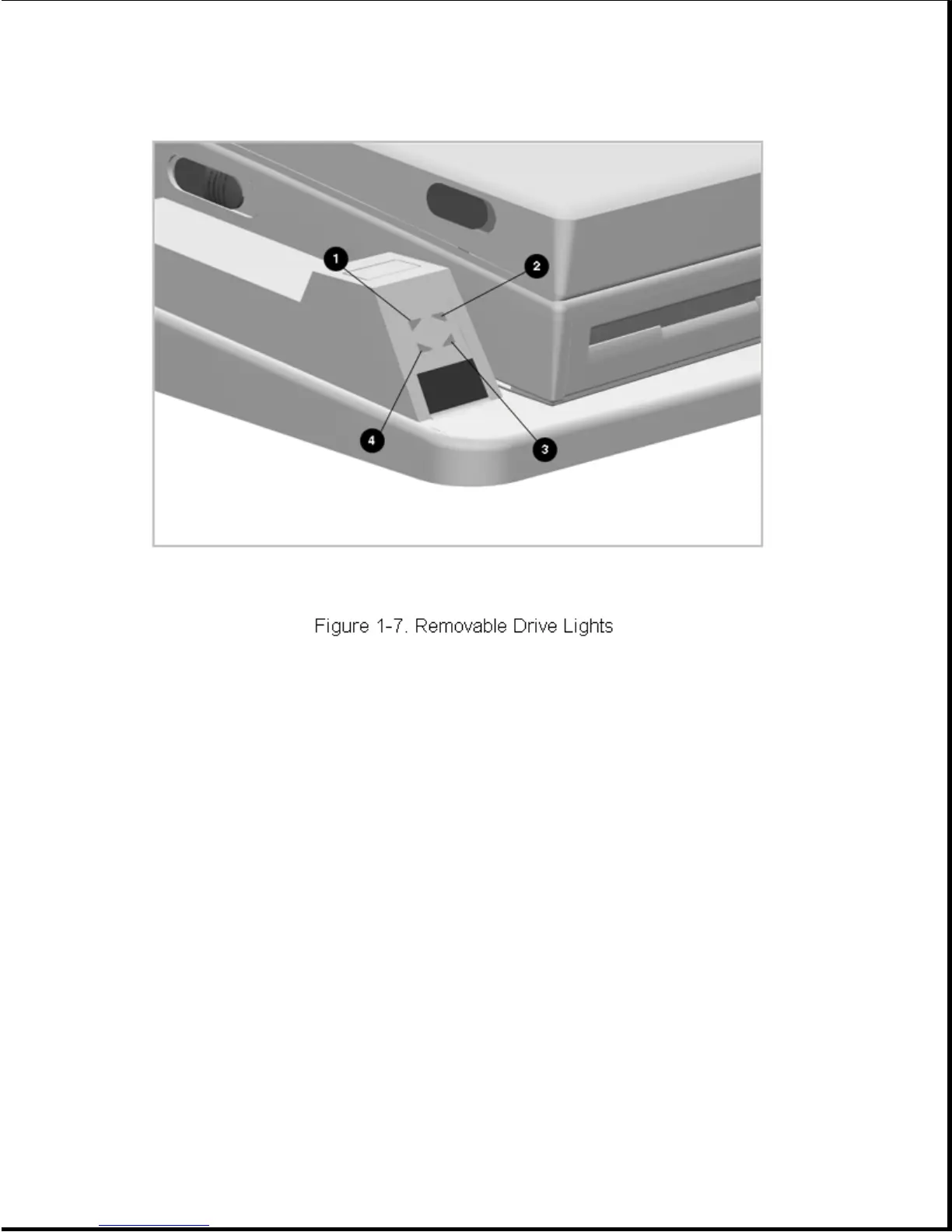
Table 1-10. Removable Drive Lights
===========================================================================
Index Function Description
===========================================================================
1 Computer diskette drive light Diskette drive in computer MultiBay
is being accessed
2 Computer hard drive/CD-ROM Hard drive or CD-ROM drive in
drive light computer is being accessed
3 MultiBay hard drive/CD-ROM Hard drive or CD-ROM in one of the
drive light expansion base MultiBays is being
accessed.
4 MultiBay diskette drive light Diskette drive in one of the
expansion base MultiBays is being
accessed
===========================================================================
Battery Lights
The battery lights are installed on the front right of the expansion base
and share a small PCB with the power button and power light. The board is
installed as a unit from the back side of the expansion base top cover.
The battery lights are identified in Figure 1-8 and described in Table
1-11.









 To Next Page