6. OPERATION
PRELIMINARY SETTINGS
Before using the unit for the first time, you should select the working language of the device which is displayed
on the options screen� Follow the instructions below� Afterwards, for the greatest comfort, the Compex
Wireless USA offers you a number of setting options (operating language selection, display contrast setting,
adjusting backlighting and volume setting)� To change any of these settings, bring up the settings screen by
navigating to the settings icon and selecting settings by pushing the center button on the remote control�
FIRST USE
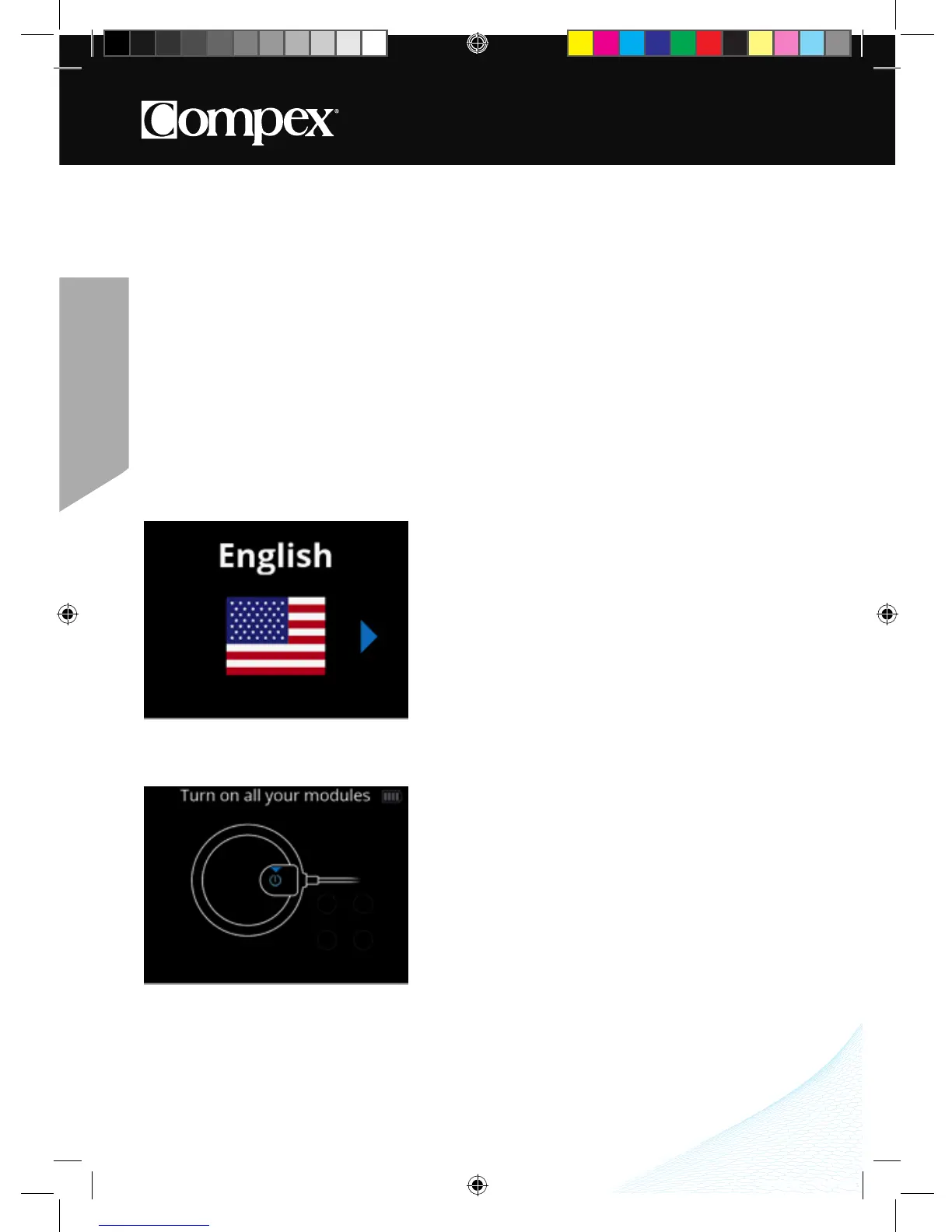
When using the device for the first time, the following steps must be followed:
1� Select language�
2� Turn on all modules in order to pair them with the remote control�



 To Next Page