CHARGING
BATTERY LEVEL INDICATION
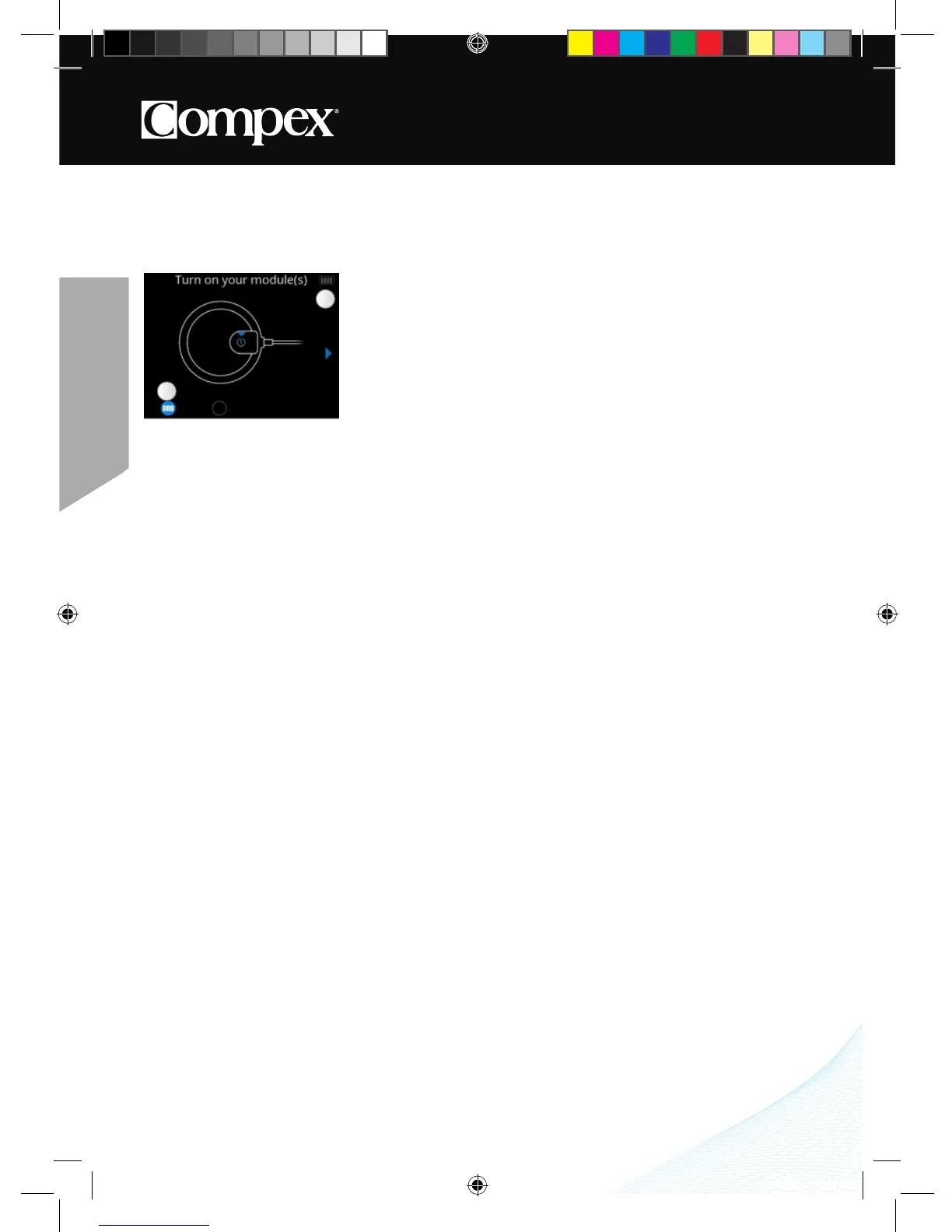
Module battery levels appear just prior to launching the stimulation session� The remote control battery level is
always visible in the top right corner�
CONNECT THE DOCKING STATION
Connect the AC adapter supplied with your device to the docking station and then plug it into a power outlet� It
is strongly recommended that you fully charge the remote control batteries and modules before first use in order
to improve its performance and life expectancy�
A Module battery level
B Remote control battery level
A
B



 To Next Page