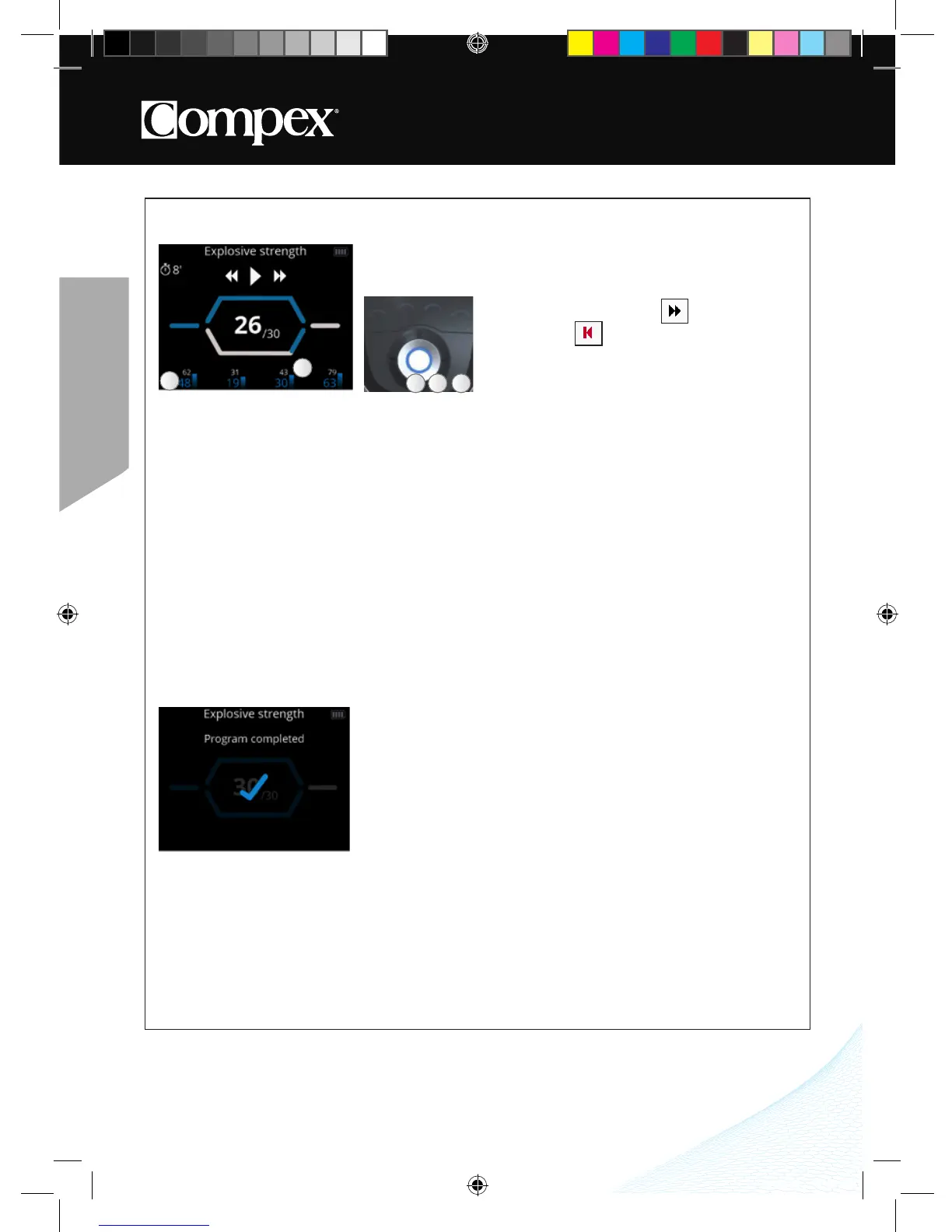
PAUSE AND CONTINUE A STIMULATION PROGRAM
By pressing on the central button of the remote control or on the On/Off button of one of the modules during
the stimulation, the device goes into pause� At this point it is possible to skip the current phase or exit the
program�
Depending on the program, maximum and average intensities statistics may appear�
Note: The session restarts with intensities equal to 80% of those used prior to the interruption�
END A STIMULATION PROGRAM
At the end of the session a screen with a check mark appears� Pressing on any button returns you to the
Main menu� To turn off the device, hold down the remote control’s On/Off button for 2 seconds� This will
also result in turning off all modules�
Depending on the program, maximum and average intensities statistics may appear�
A Skip the current phase or exit the
program
B Resume the stimulation session
C Exit the program and return to the previous step
C BA
A Average stimulation intensity
B Maximum stimulation intensity
A
B



 To Next Page