A
B
A
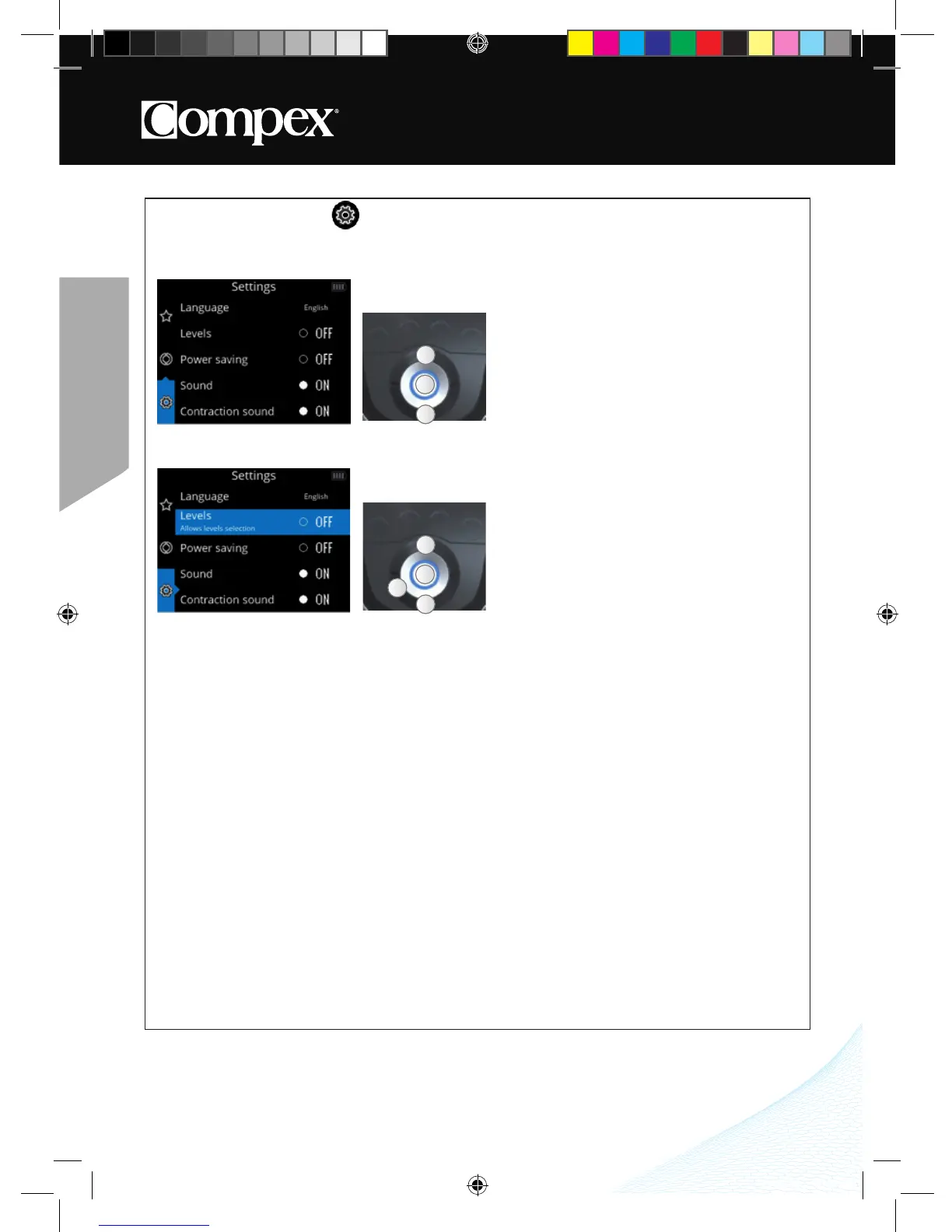
A Select the Settings menu
B Confirm your selection
A Select the desired setting
B Confirm your selection
C Return to the previous step
C
A
B
A
HOW TO ACCESS SETTINGS
The Settings menu enables certain elements to be configured such as backlighting, volume, language, etc�
Some settings are not available in all devices�
1. SELECT A SETTING
Levels: Turns the Levels function on (ON) or off (OFF)
The Levels function is for people who are already accustomed to electrostimulation and want to perform
several training cycles� If the Levels function is turned on (ON) an additional screen will appear for certain
programs (programs inducing powerful muscle contractions) enabling the training cycle to be selected�
PROGRESSION IN THE LEVELS
In general, it is not advisable to go through the different levels quickly with the intention of reaching level 5 as
fast as possible� In fact, the different levels correspond to progress with electrostimulation�
The goal is to progress through the electrical intensities and then through the levels� The more numerous the
muscle fibers you stimulate, the more numerous will be the fibers that are going to progress� But the speed
of progress of these fibers and their aptitude for operating at a higher rating depend on the program and
level used, the number of sessions per week, the length of these sessions and on intrinsic factors specific
to each individual�



 To Next Page